
Privacy-First WordPress Analytics with HitKeep
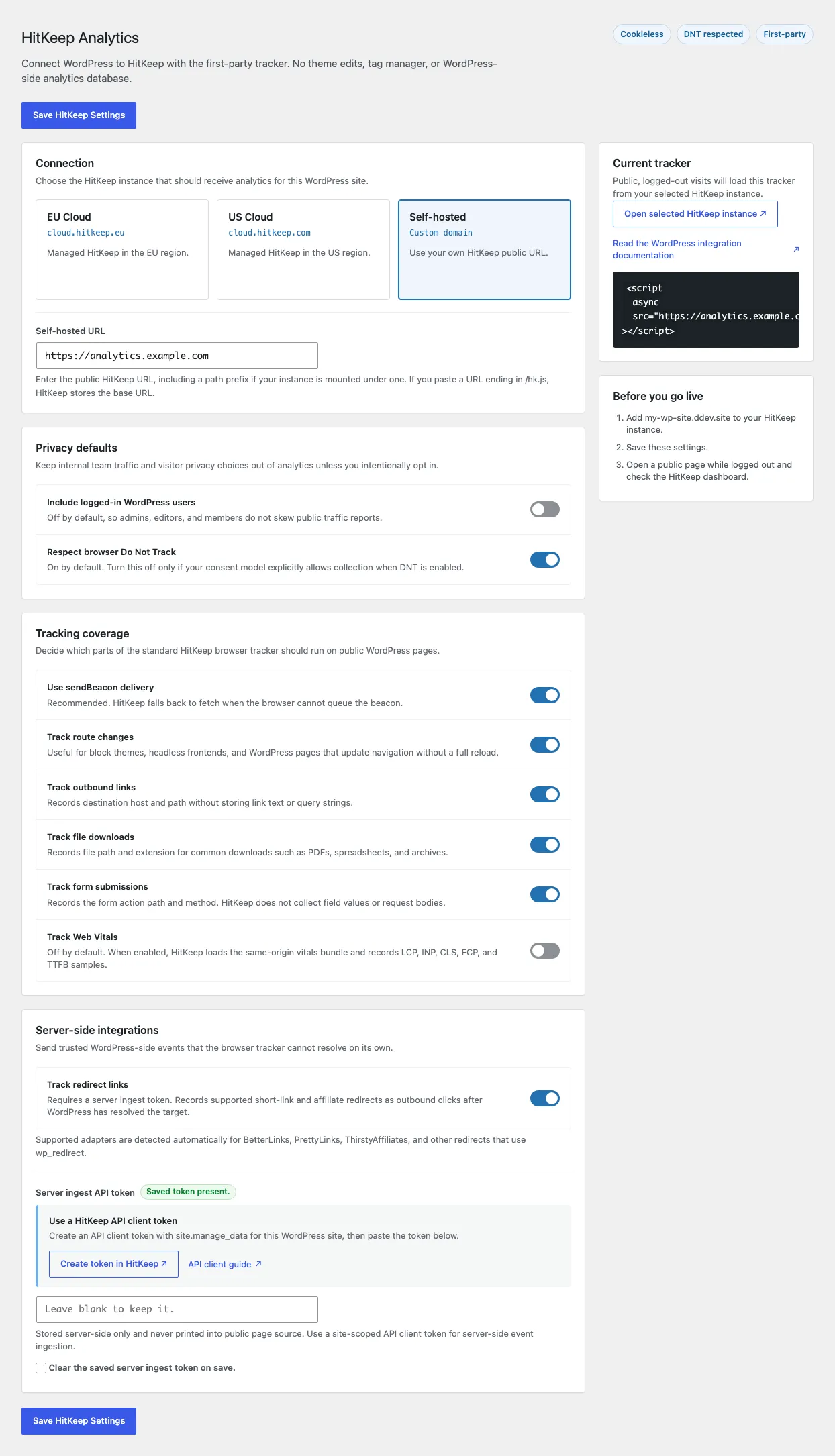
Section titled “Privacy-First WordPress Analytics with HitKeep”HitKeep gives WordPress sites privacy-first analytics without editing a theme template or adding a tag manager. Install the first-party plugin, choose EU Cloud, US Cloud, or a self-hosted HitKeep URL, and WordPress loads the normal cookie-free hk.js tracker.
Best fit for WordPress privacy analytics
Section titled “Best fit for WordPress privacy analytics”Use HitKeep for WordPress when you want:
- analytics without editing a theme template
- conservative defaults for logged-in users and Do Not Track (DNT)
- pageview, SPA route, outbound click, download, and form-submit tracking from the same
hk.jssnippet - optional redirect and affiliate link tracking after WordPress resolves the final outbound target
- country, city, provider, and ASN audience context for accepted WordPress traffic
- AI-referred human visits from assistants that send visitors to your WordPress pages
- EU Cloud, US Cloud, or self-hosted analytics
- an analytics dashboard outside WordPress for teams and stakeholders
What the plugin does
Section titled “What the plugin does”WordPress page -> hk.js -> HitKeep /ingest and /ingest/event -> DuckDBThe plugin does not create WordPress analytics tables, set analytics cookies, or send traffic to a third-party analytics CDN. WordPress is the installation point. HitKeep remains the analytics backend, with events stored in the same embedded DuckDB data layer as non-WordPress sites.
The plugin is not a crawler log collector. To report AI crawler fetches for a WordPress site, forward server or edge logs into HitKeep’s AI fetch ingest path and use the plugin for the human-visit side.
Privacy defaults
Section titled “Privacy defaults”The plugin starts from the same privacy-first tracker behavior documented in Automatic Events and Tracker Architecture:
| Concern | HitKeep WordPress behavior |
|---|---|
| Analytics cookies | Not set by hk.js |
| Do Not Track | Respected by default |
| Logged-in WordPress users | Not tracked by default |
| Link and form metadata | Query strings, hashes, link text, form values, and request bodies are not captured |
| Redirect link tracking | Off by default, uses a server-side API client token when enabled |
| IP metadata | Stores derived country, region, city, provider, and ASN fields for reporting, not raw visitor IP addresses |
If a site needs narrower coverage, disable outbound click, file download, form-submit, SPA route, beacon, or DNT collection options in Settings -> HitKeep. The WordPress integration guide maps those toggles to the exact hk.js attributes.
Start path
Section titled “Start path”- Create a cloud workspace or use your self-hosted HitKeep URL.
- Add the WordPress site in HitKeep.
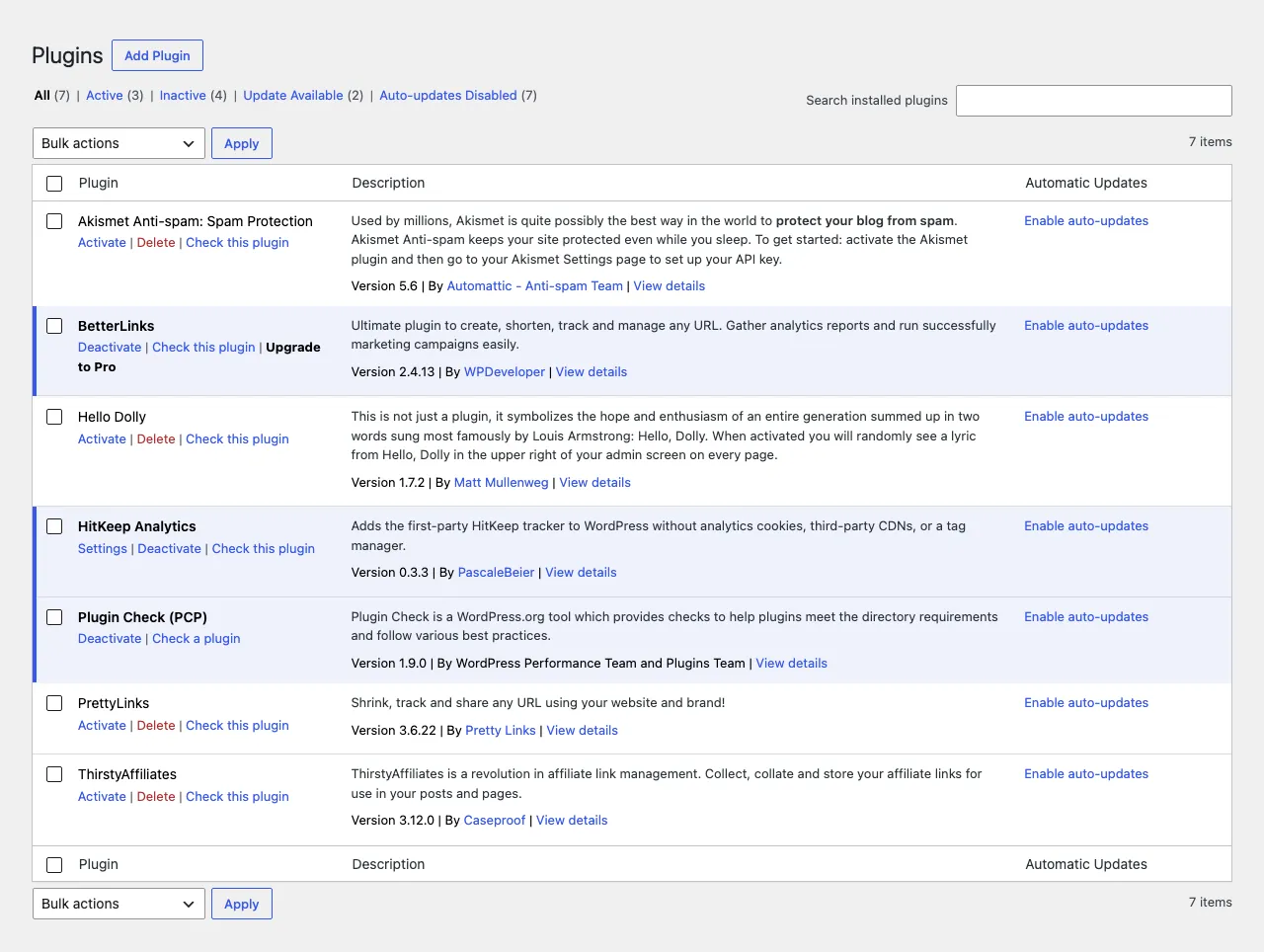
- Install HitKeep Analytics from WordPress.org in WordPress.
- Choose EU Cloud, US Cloud, or custom URL in Settings -> HitKeep.
- Keep the default tracking toggles unless your site needs a narrower tracking surface.
Choose HitKeep Cloud when you want WordPress analytics without managing TLS, updates, backups, SMTP, or the data directory. Choose self-hosted HitKeep when you want the single Go binary and analytics data under your own infrastructure boundary.