Skip to content
HitKeep
Select language
Select theme
GitHub
Start free in Cloud

A practical guide for site owners, developers, and privacy reviewers

Cookieless analytics for your website

Measure pageviews, traffic sources, campaigns, and conversions without analytics cookies. See how HitKeep collects data, set up tracking on one site, and check the privacy and reporting limits. Start free in Cloud with EU Frankfurt or US Virginia hosting, chosen before account creation, or self-host the same open-source product.

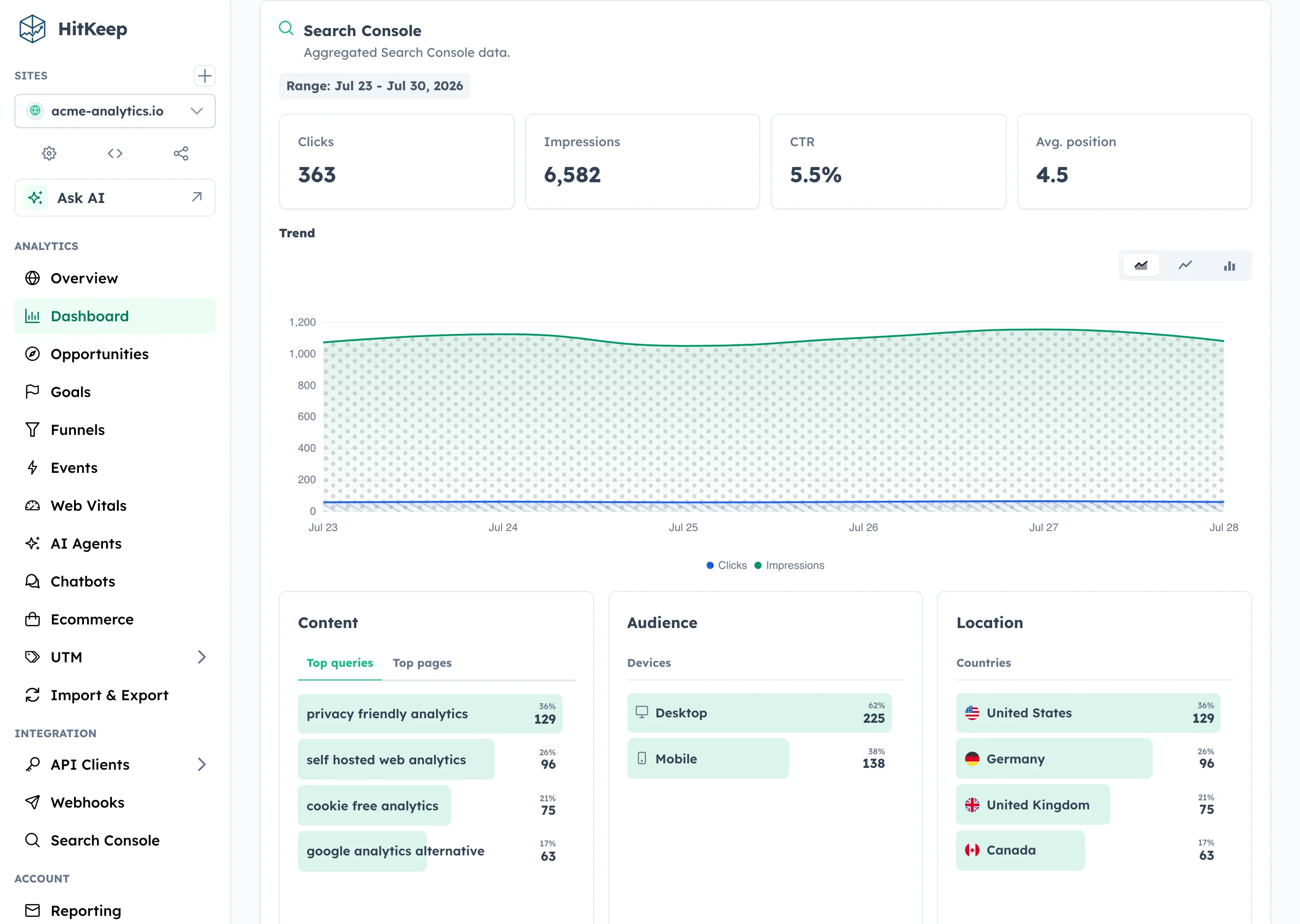
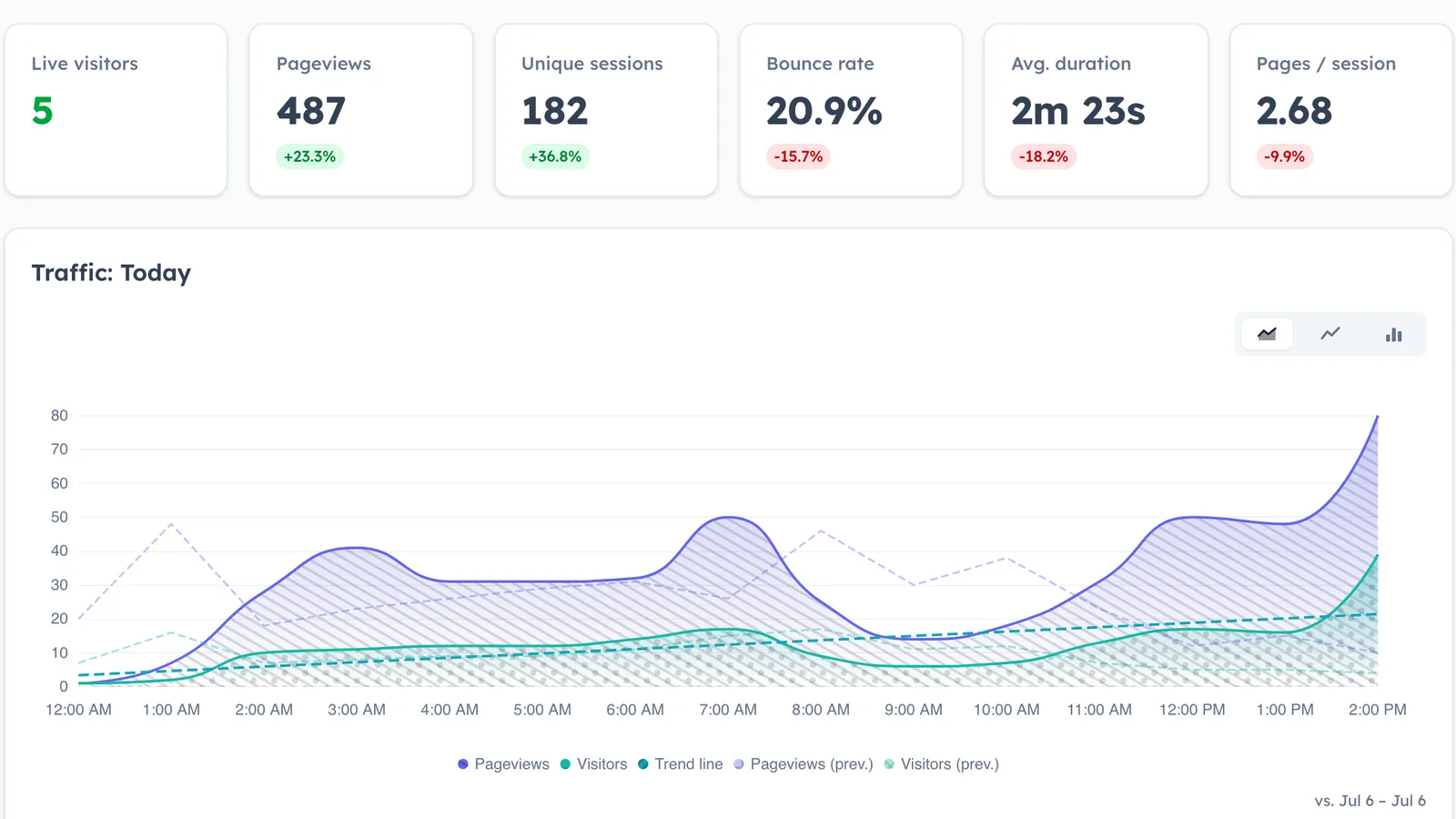
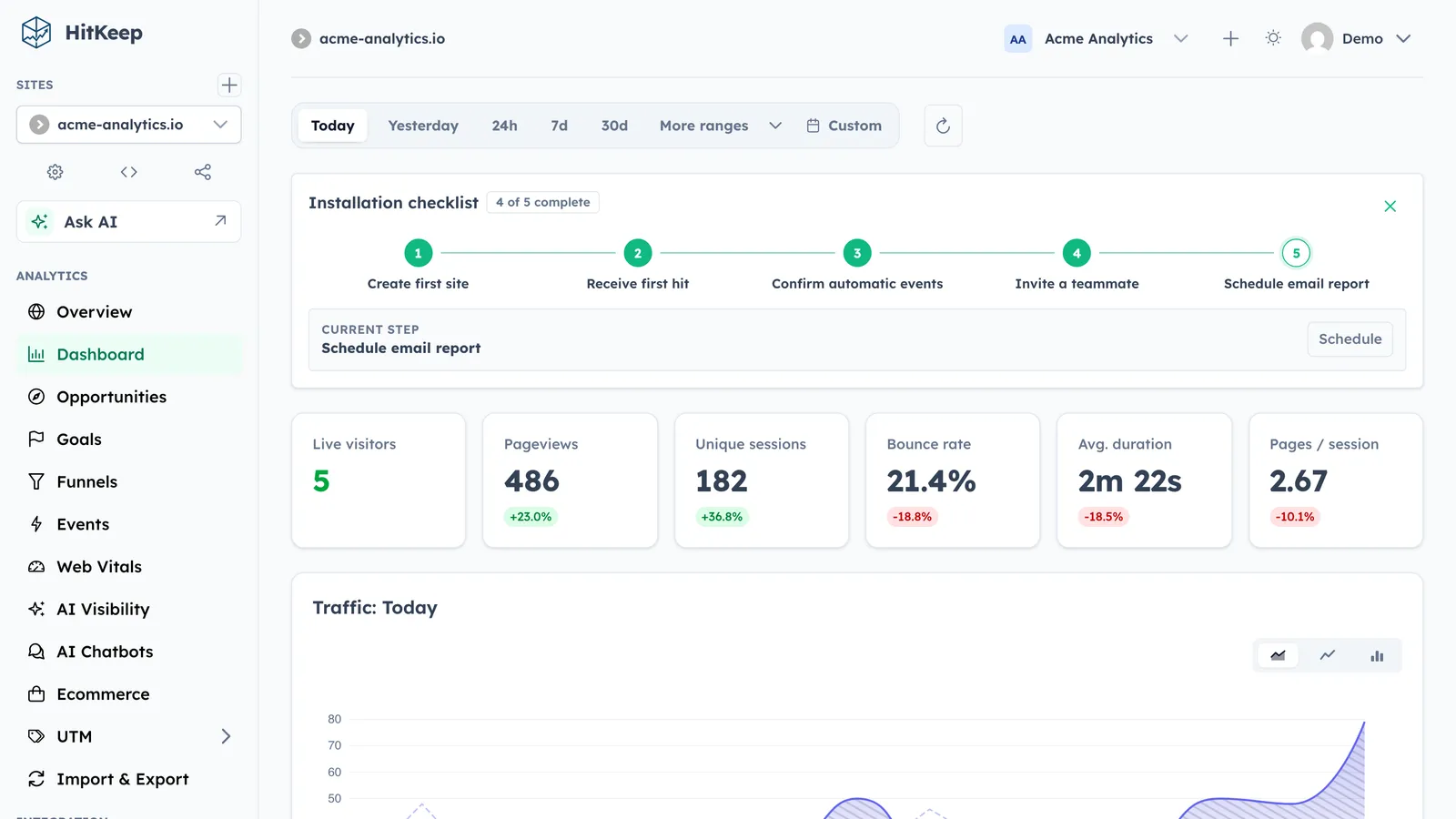
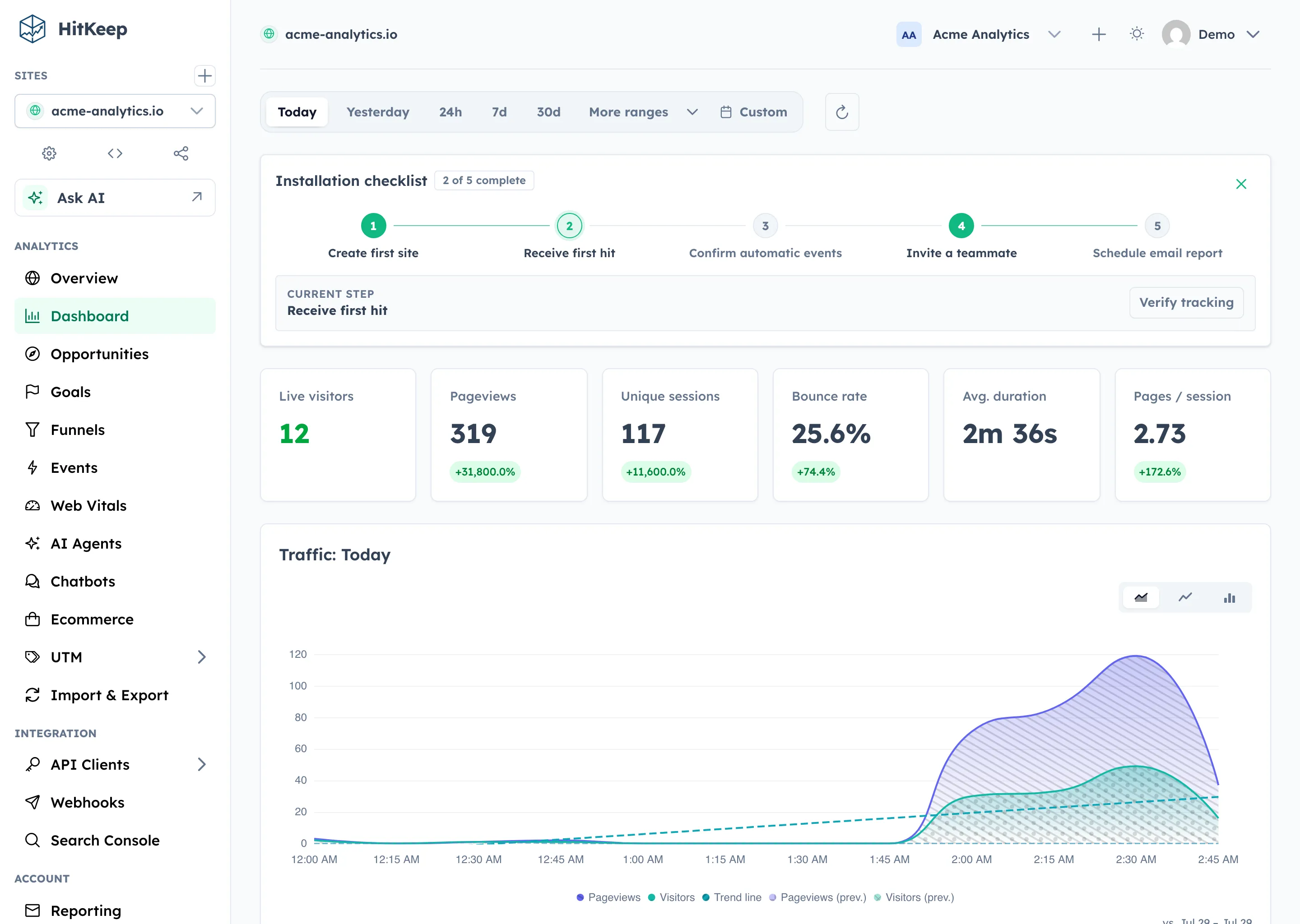
HitKeep analytics dashboard showing traffic, pages, referrers, audience, goals, and conversion context

How does cookieless tracking work?

Cookieless analytics measures website activity without setting analytics cookies. It can still use a browser script, send requests to a server, and use other browser storage. In HitKeep, the public tracker sends pageviews and events to your HitKeep instance and uses sessionStorage for session continuity. Here is the path from a page visit to a report.

1. The page loads the tracker
The hk.js script records pageviews and supported automatic events, including outbound clicks, downloads, and form submissions. It sends them to the HitKeep instance serving the script.
2. A session groups activity
A random session ID and last-activity timestamp are kept in sessionStorage. The public tracker sets no analytics cookies and does not use localStorage or IndexedDB. Cookieless does not mean storage-free.
3. HitKeep processes the request
HitKeep validates incoming data and stores reporting fields. Visitor IP addresses can be processed transiently for location, network metadata, and security checks; raw visitor IPs are not stored as analytics-hit fields.
4. You read aggregate reports
Review pages, sources, campaigns, events, and configured conversions. These reports do not provide cross-site advertising profiles or individual session replay. The same reporting foundation runs in Cloud and self-hosted HitKeep.
HitKeep analytics dashboard showing traffic, pages, referrers, audience, goals, and conversion context
The same reporting surface is available in managed Cloud and the open-source self-hosted product.

What cookieless web analytics means in practice

Cookieless tracking does not guarantee complete counts. Browser blockers, disabled JavaScript, Do Not Track, and failed network requests can prevent browser events from reaching HitKeep. Session counts also depend on session continuity; they are not a count of identifiable people across devices. Review the collection method, identifiers, purpose, retention, recipients, and deployment before comparing tools.

Technical factHitKeep behaviorWhat the operator still checks
No analytics cookiesHitKeep’s public tracker does not create analytics cookies by default.Verify the rest of your site separately. Login, commerce, embeds, chat, and advertising tools may still set cookies.
sessionStorage is separateHitKeep can use sessionStorage for an opaque session tuple that expires with the browser session.Depending on the jurisdiction and setup, access to browser storage can still be relevant under ePrivacy or PECR rules.
No advertising identity graphHitKeep does not include retargeting audiences, cross-site advertising profiles, or ad-network synchronization.Custom events can still contain sensitive data if you send it. Keep names and properties deliberate.
Do Not Track supportDNT is respected by default unless collection is explicitly configured otherwise.Document any override and make sure it matches your public privacy explanation.

What HitKeep collects, derives, and leaves out

The accepted hit contains reporting context, not a raw copy of the browser request. These are the fields a site owner should understand before writing a privacy notice.

AreaRecorded or derivedPrivacy boundary
Page and acquisitionPage path, referrer, landing and exit context, UTM campaign parametersUseful for traffic sources and campaign reporting
Browser and deviceBrowser, device, operating system, and language contextUsed for aggregate audience reports
Location and networkDerived country, region, city, provider, and ASN when IP metadata is availableThe raw visitor IP is not stored as an analytics-hit field
SessionsAn opaque session tuple in sessionStorageNo analytics cookie is set by the public tracker
Automatic eventsOutbound clicks, file downloads, and form submissionsQuery strings, hashes, link text, form values, and request bodies are excluded from automatic-event content
ConversionsCustom events, goals, funnels, and ecommerce events you configureYou control event names and properties; do not send personal or secret values

Choose who operates the analytics and how long data stays

Privacy is also an operating-model decision. HitKeep keeps the managed and self-hosted paths on the same product foundation and provides open-format takeout.

ChoiceWhat HitKeep providesYour responsibility
Managed EU CloudManaged operation in the EU regionChoose the EU region during signup and record the service in your privacy and processor documentation.
Managed US CloudManaged operation in the US regionUse when the US region fits your users and obligations; assess transfers when EU/UK data is involved.
Self-hostedRun HitKeep on infrastructure you controlYou control network, backups, retention, access, updates, and incident response.
RetentionProduct retention and archive controlsSet periods that match the purpose you documented instead of keeping analytics indefinitely.
TakeoutSite data in JSON, CSV, Parquet, NDJSON, or XLSXExport before a migration and test that the format fits your downstream use.

Privacy notice template for HitKeep

Use this as a technical starting point, not as legal advice. Replace every bracketed passage and remove anything that does not match your configuration.

Web analytics with HitKeep

Web analytics with HitKeep

We use HitKeep to understand how our website is used. The analysis covers pageviews, traffic sources, campaigns, and the events or conversions that we configure. We do not use HitKeep to create advertising profiles, retarget visitors, or synchronize audiences with advertising networks.

Operation: [self-hosted on infrastructure we control / HitKeep Cloud in the EU region / HitKeep Cloud in the US region]. The public HitKeep tracker does not set analytics cookies. Depending on our configuration, an opaque session tuple may be stored in sessionStorage for session continuity.

The processed data can include page path, referrer, browser and device context, language, UTM parameters, and derived location and network metadata. Raw visitor IP addresses are not stored as an analytics-hit field, but may be processed transiently for location, security, trusted-proxy, exclusion, or spam-protection functions.

Our legal basis is [insert the basis confirmed for this deployment]. We retain analytics data for [period]. You can [object / withdraw consent / change privacy settings] by [method]. Further technical details are available in [link to this page or your own technical explanation].

How to set up cookieless analytics with HitKeep

Start with one site and one reporting question, such as which campaign brings contact requests. Use the tracker architecture guide below for the script and supported options. Keep your public privacy wording aligned with the configuration you deploy.

  • Choose EU Frankfurt or US Virginia before creating a Cloud account, or install HitKeep on your own infrastructure. Add the website you want to measure.
  • Before enabling collection, review the page’s other scripts, your legal basis, consent or objection handling, access, and retention. Leave Do Not Track respected by default. Cookieless HitKeep does not make the rest of the site cookieless.
  • Copy the tracking snippet from Site Settings into your site template. Use the generated instance or verified tracking-domain URL. Load it once on the pages you intend to measure.
  • Visit a test page and inspect the browser Network panel for hk.js and ingest requests. Confirm that the visit appears in the correct site and date range. A missing visit can reflect DNT, blocking, or delivery failure; it is not proof that tracking is disabled everywhere.
  • Check sessionStorage and cookies in browser developer tools. HitKeep uses an opaque session tuple, not analytics cookies. Test automatic events with non-sensitive sample data; never send form values, email addresses, secrets, or personal data as custom event properties.
  • Configure the goal or funnel that answers your reporting question and verify its events. A form submission is not necessarily an accepted lead, and a checkout start is not a purchase. Compare equivalent events and date ranges if you run another analytics tool alongside HitKeep.

Verify the details

These pages are the current product references for the claims above.

Measure the site without handing it to an ad platform

Start free in managed Cloud and choose Frankfurt in the EU or Virginia in the US before account creation. Add one site, verify its tracking, and compare the reports you need. You can also install the open-source product on infrastructure you control.

Latest HitKeep updates for privacy-first analytics

Read the newest release first, then move through practical GA migration guidance for privacy-first and cookieless analytics.

From the blog

Does HitKeep set analytics cookies?

No. The public HitKeep tracker does not set analytics cookies by default. It can use sessionStorage for an opaque session tuple, which is a separate browser-storage mechanism.

Can I use web analytics without a cookie banner?

Possibly, but “no cookies” is not enough to answer that for every site or jurisdiction. Review sessionStorage, the data and purpose, your legal basis, other page tools, consent or objection handling, and local ePrivacy or PECR rules.

Does HitKeep store visitor IP addresses?

Raw visitor IP addresses are not stored as an analytics-hit field. An address can be processed transiently for derived location and network metadata, trusted-proxy resolution, exclusions, security, or spam protection.

Is cookieless analytics automatically GDPR compliant?

No product can make that universal promise. HitKeep reduces the default tracking surface, but the controller still decides purpose, legal basis, retention, access, processor terms, transfers, and public information.

Can HitKeep be self-hosted?

Yes. HitKeep is open source and can run on your own infrastructure. Managed Cloud is also available in EU and US regions on the same product foundation.

Can I export all site analytics data?

HitKeep provides site takeout in JSON, CSV, Parquet, NDJSON, and XLSX. Review the takeout guide for the included analytics and control records.

Can I copy the privacy notice word for word?

No. It is a technical template. Replace the hosting model, legal basis, retention, processor, consent or objection path, and contact details so the text matches your deployment.