
HitKeep 2.5.1 is prepared as a dashboard and API-client clarity patch. The release keeps the 2.5.0 analytics surface intact while making navigation, table actions, dialogs, API-client grants, token rotation, and dark-mode Opportunity Recommendations easier to understand. It also exposes aggregate Web Vitals reports in read-only share mode and fixes stale AI provider warnings in system status.
Under the hood, it contains a few permission audit bugfixes.
The important API-client wording change is site grants. A client without a site grant can still be useful for permitted instance or admin APIs, but site analytics, MCP tools, and ingest access require an explicit site grant. That was the intended API-client model before this patch. The UI now says it plainly.
What changed
- Sidebar navigation: related destinations are grouped as collapsible items.
UTMcan revealUTM Builder, andAPI Clientscan revealAPI Reference, while the parent labels remain normal navigation links. - Reusable row actions: settings and admin tables now use a shared OptimusUI popup menu for row actions instead of inline button stacks.
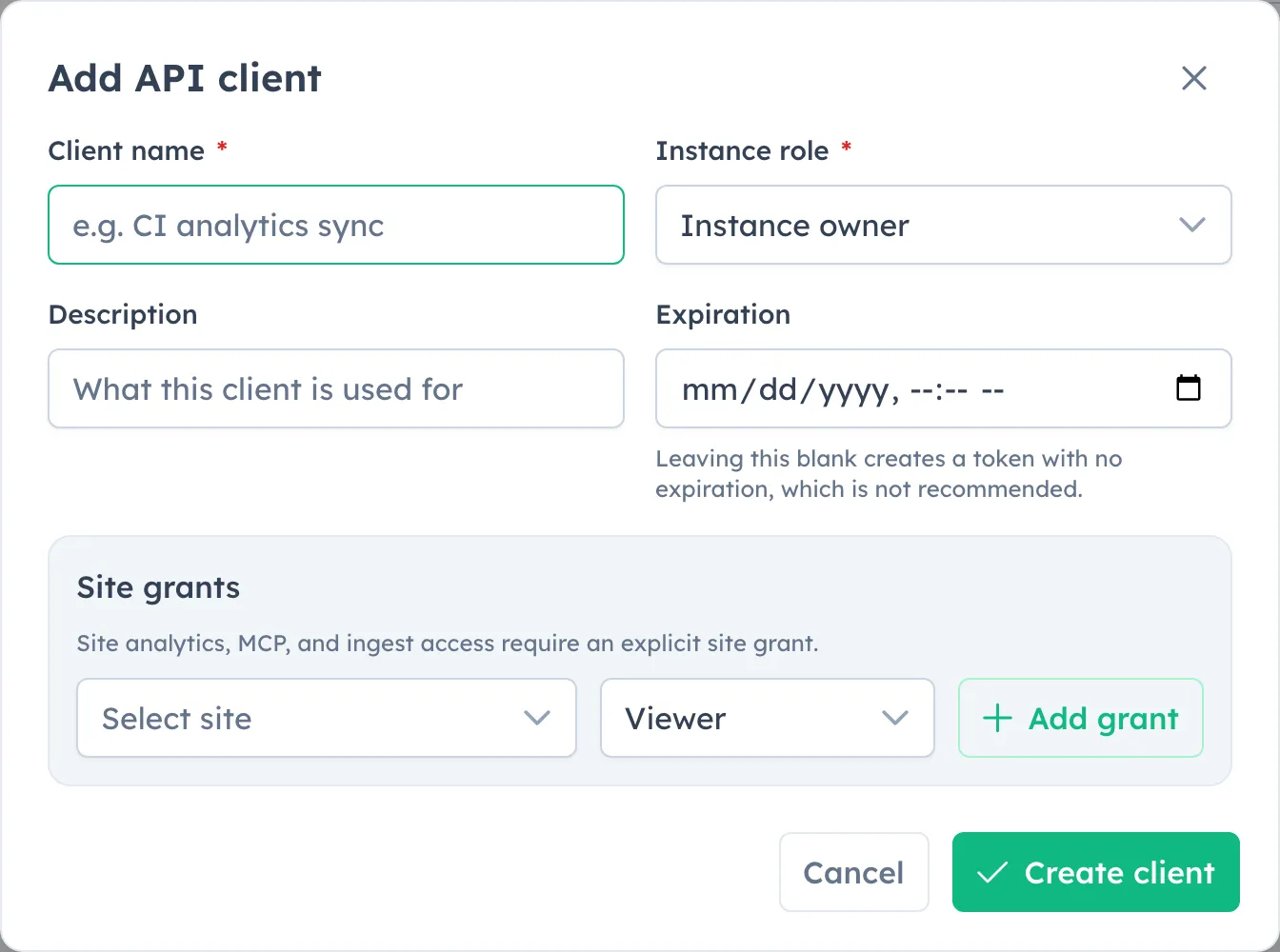
- Consistent dialogs: create and edit flows use the same dialog shell, footer order, close behavior, Escape behavior, and submit/cancel treatment.
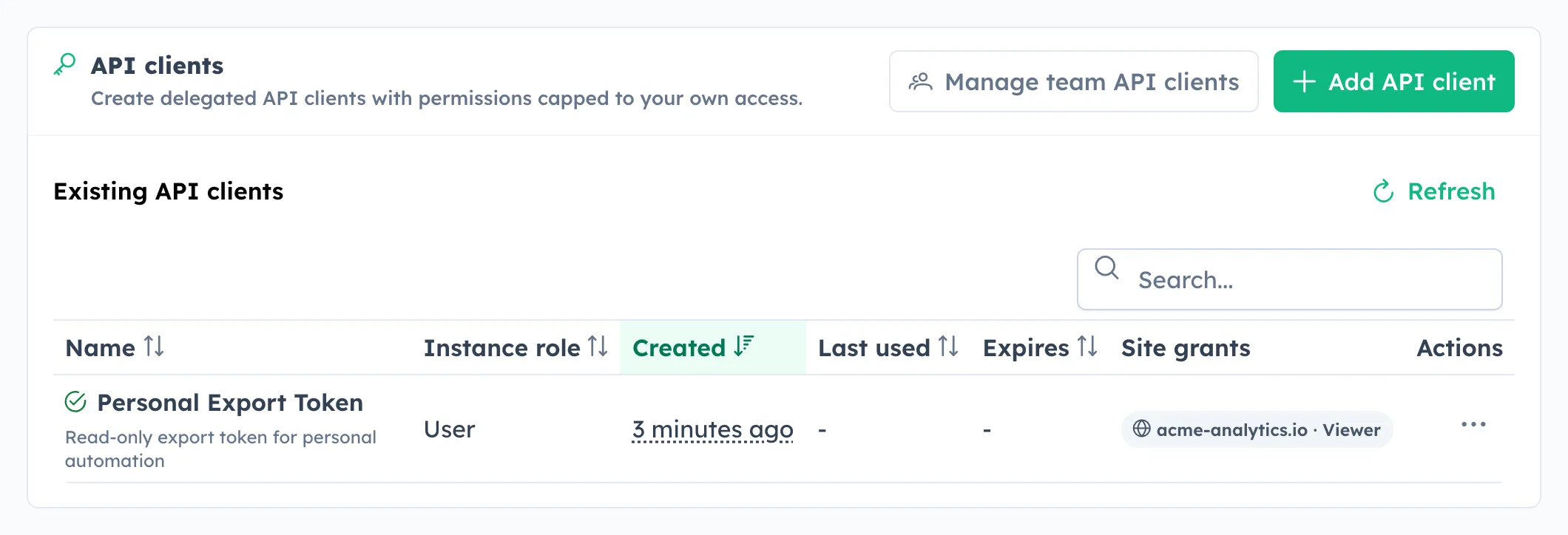
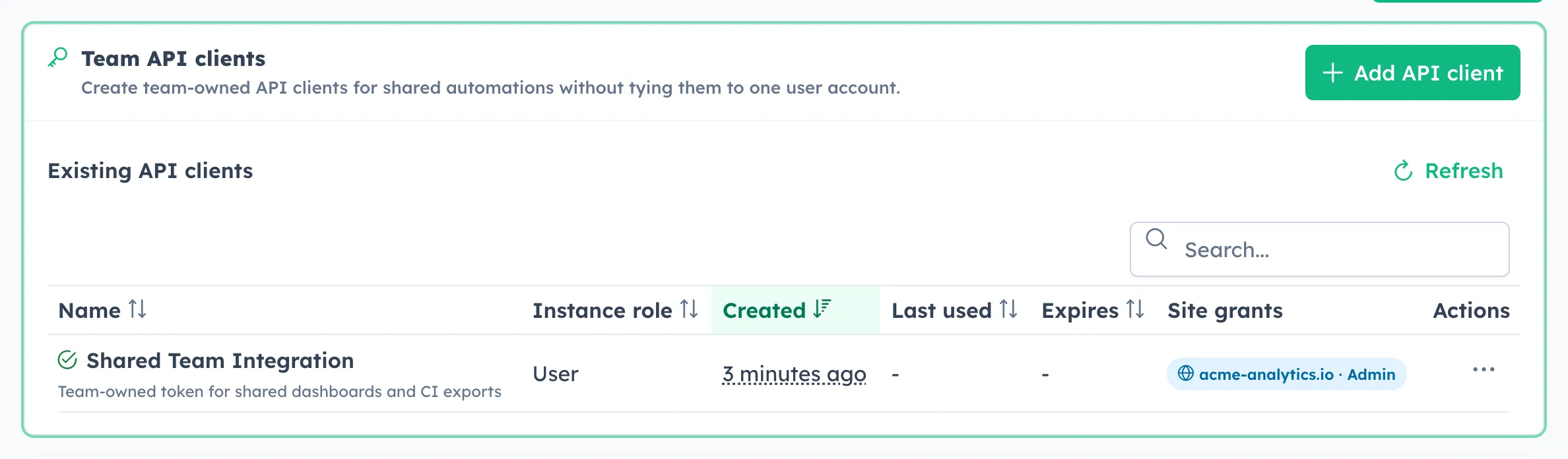
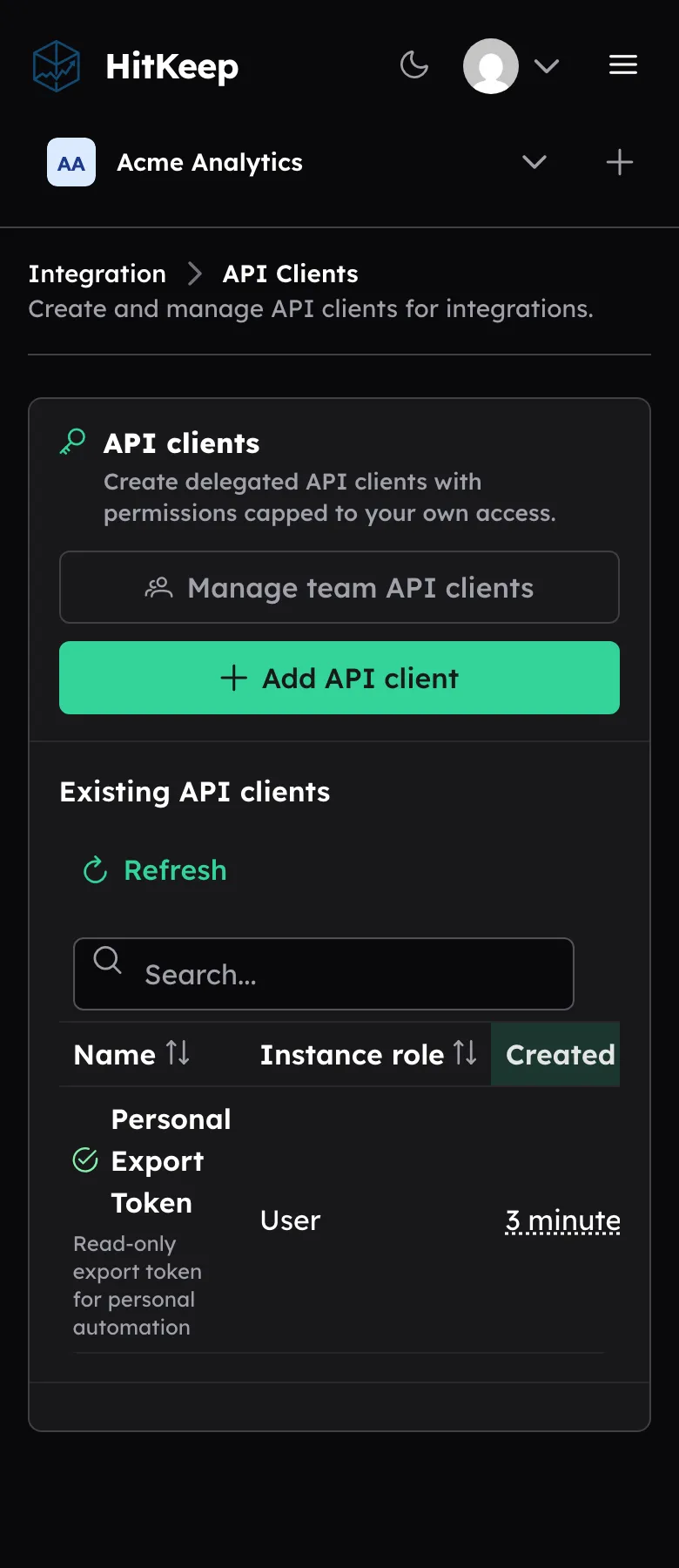
- API-client settings: the page is table-first. Add and edit flows open in dialogs, site grants are labelled as grants, active/revoked/expired state is shown beside the client name, and team API clients are reachable when the user has permission.
- Explicit site-grant wording: empty site grants are shown as no site access. The form says that site analytics, MCP, and ingest access require a site grant.
- Token rotation: personal and team API clients can roll tokens. Rotation returns the new token once and invalidates the previous token immediately.
- Audit coverage: API-client create, update, revoke, reactivate, delete, and rotate actions are recorded without token material or token hashes.
- Shared Web Vitals: share links now include the Web Vitals report, with the same aggregate p75 cards, trends, page rows, and visitor-context breakdowns available to authenticated viewers.
- Mobile settings flow: page actions move above the table on narrow screens, so users do not need to scroll past rows before finding the main action.
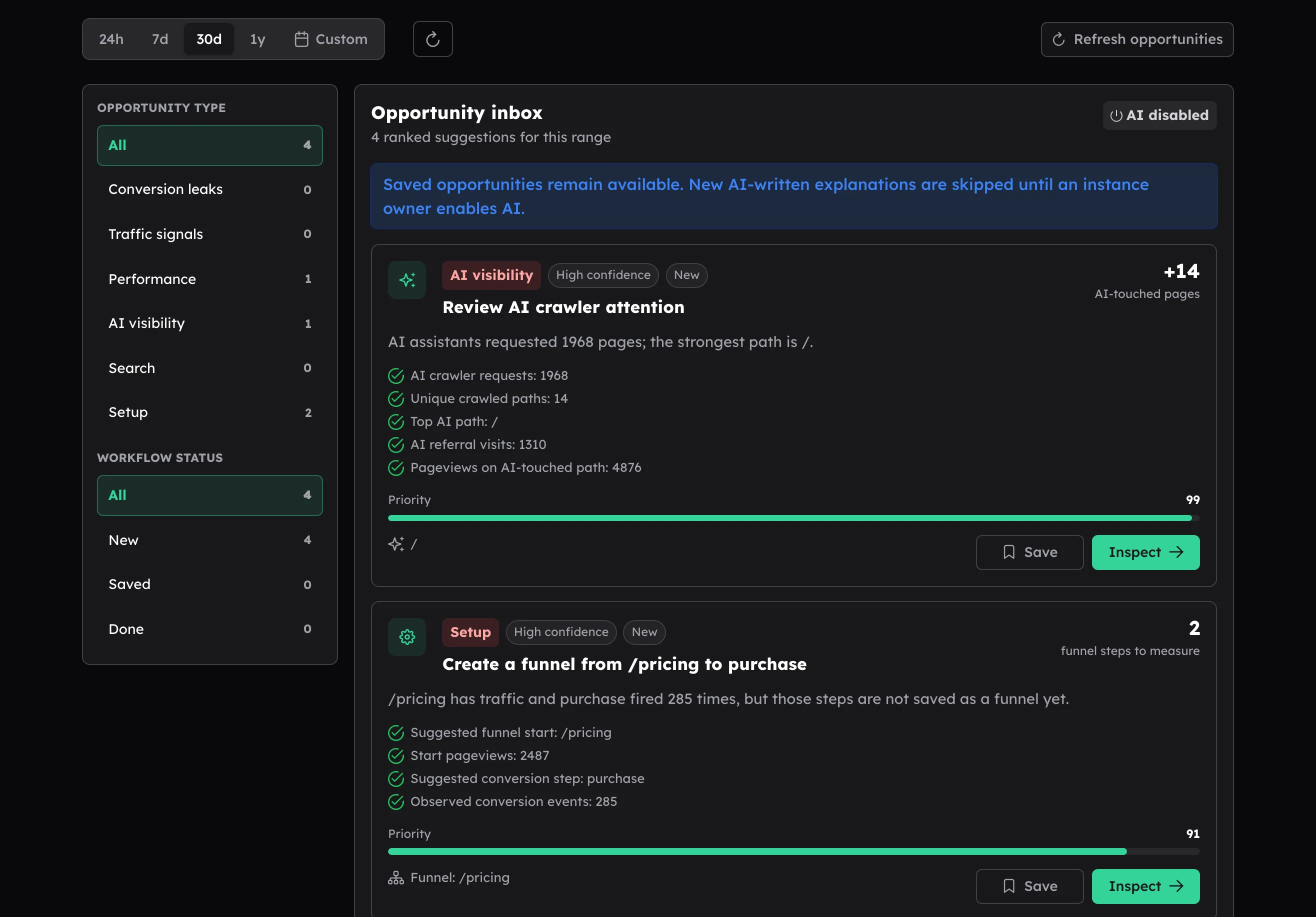
- Dark-mode Opportunity Recommendations: the filter rail, opportunity cards, evidence rows, status badges, and action buttons were tuned so the page no longer mixes light card styling into dark mode.
- Settings polish: inline CRUD feedback was moved closer to the changed resource, so users see save, rotate, revoke, and delete outcomes where they acted.
API-client grants
API clients now use grant language consistently to address some feedback:
site_rolesare grants, not optional restrictions.- A client with no site grants has no site-data access.
- Site analytics, site-scoped MCP tools, and ingest require an explicit site grant.
- Instance/admin-only API clients can still have no site grants.
- Personal clients are capped to the creating user’s access.
- Team clients are owned by the team and appear in the team API-client section.
This is a clarity and hardening patch for the existing model. If an integration already had site grants, no change is needed.
Compatibility note
Review API clients that call site analytics, MCP tools, or server-side ingest. Add the required site grants before or during the upgrade.
Most clients used for site data already needed grants to be useful. The hardening also closes paths where delegated owner/admin API clients could satisfy site-scoped checks through instance role alone. Treat those as over-broad tokens and add the intended site grants explicitly.
That has always worked like this and is not breaking
Token rotation is optional. Adding a grant does not reveal an existing token and does not require rolling it.
Upgrade guidance
Upgrade to 2.5.1 for the dashboard refresh, API-client grant wording, token rotation, audit coverage, share-mode Web Vitals reports, and stale AI provider warning cleanup.
Before upgrading integrations that use API clients for site data, check that each client has a grant for every site it should access. Clients used only for instance/admin APIs can remain without site grants.