
HitKeep API Client Tokens for Analytics
You want to pull analytics data into a custom dashboard, a CI pipeline, or an internal tool without using your main session cookie. API Clients let you create named, scoped tokens that authenticate against the HitKeep REST API using a standard Authorization: Bearer header.
HitKeep supports two ownership modes:
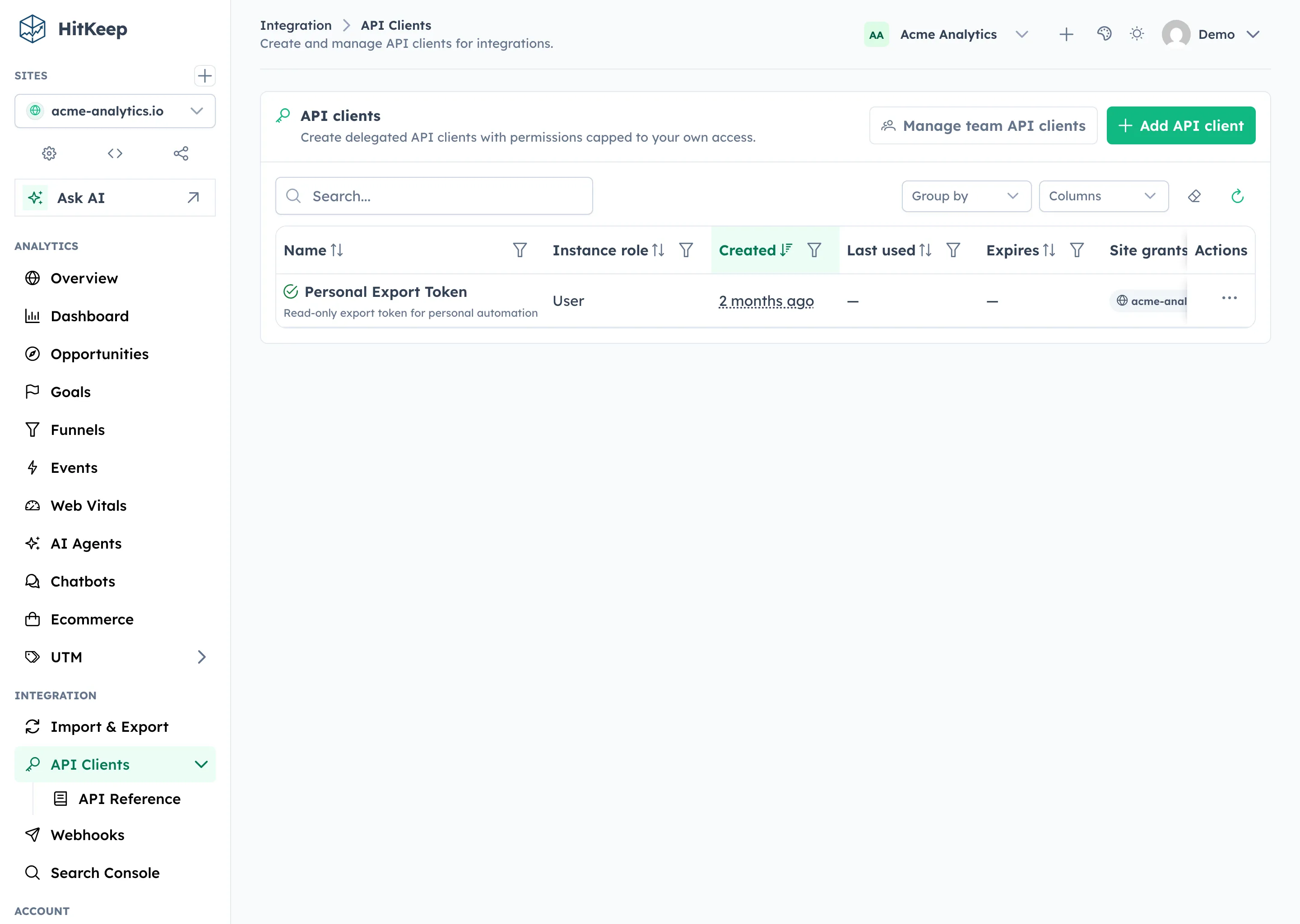
- Personal API clients live under Settings → API Clients and belong to one user.
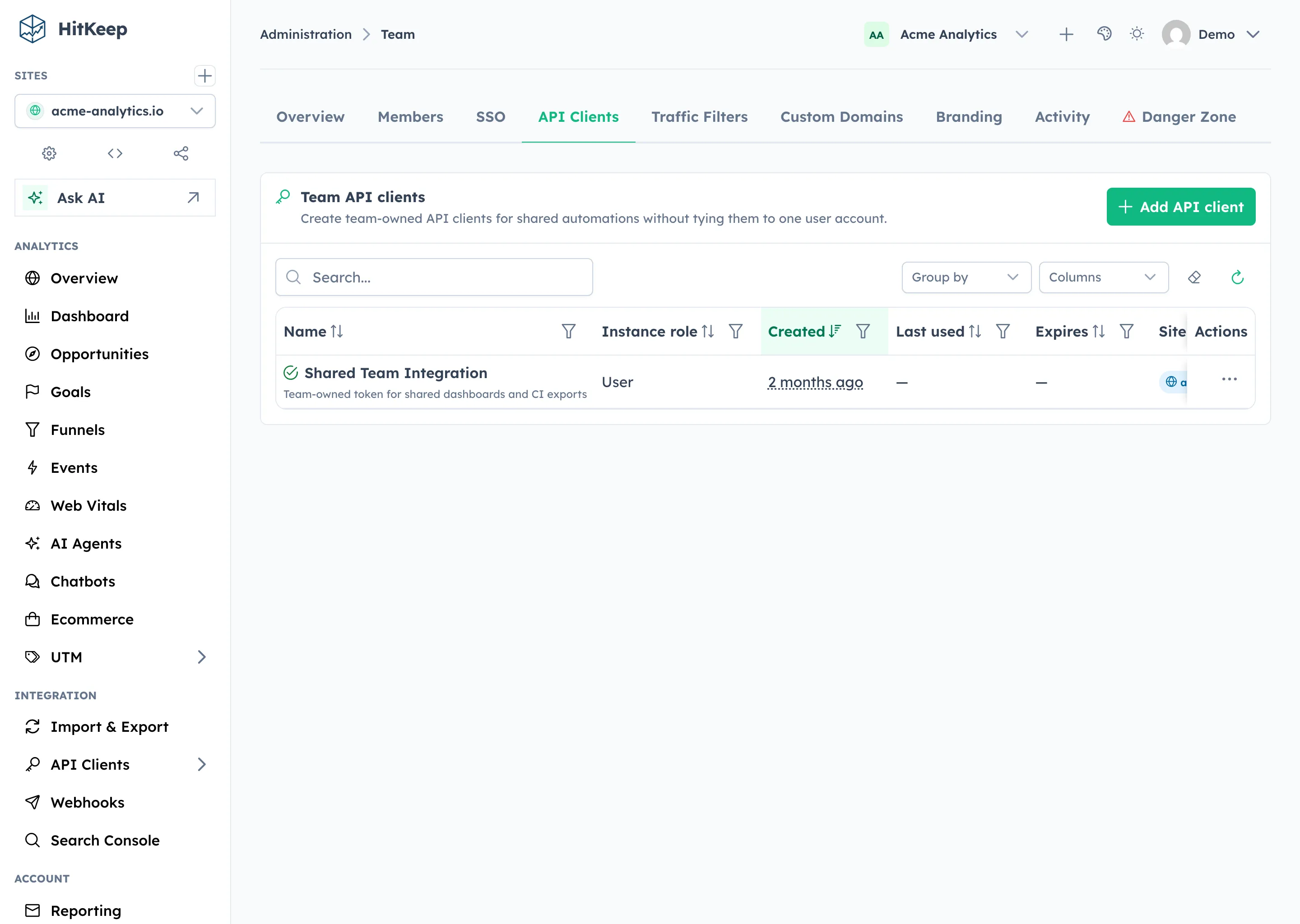
- Team API clients live under Administration → Team → Settings and belong to the team itself, so they survive when an individual user leaves the team.
Choose the Right Ownership Model
Section titled “Choose the Right Ownership Model”Use a personal API client when the token is just for you or tied to your own user account.
Use a team API client when the token powers a shared integration such as:
- a CI export job
- a shared Grafana dashboard
- a reporting sync owned by the marketing or product team
Team API clients are the safer default for automation because they are not deleted when the original creator leaves the team. Team clients have no site access until a team owner or admin adds explicit site grants.
Create a Personal Token
Section titled “Create a Personal Token”- Open Settings → API Clients in the HitKeep dashboard.
- Click New API Client.
- Give the client a descriptive name (e.g.,
grafana-reader,ci-exporter). - Copy the generated token immediately — it is shown once.
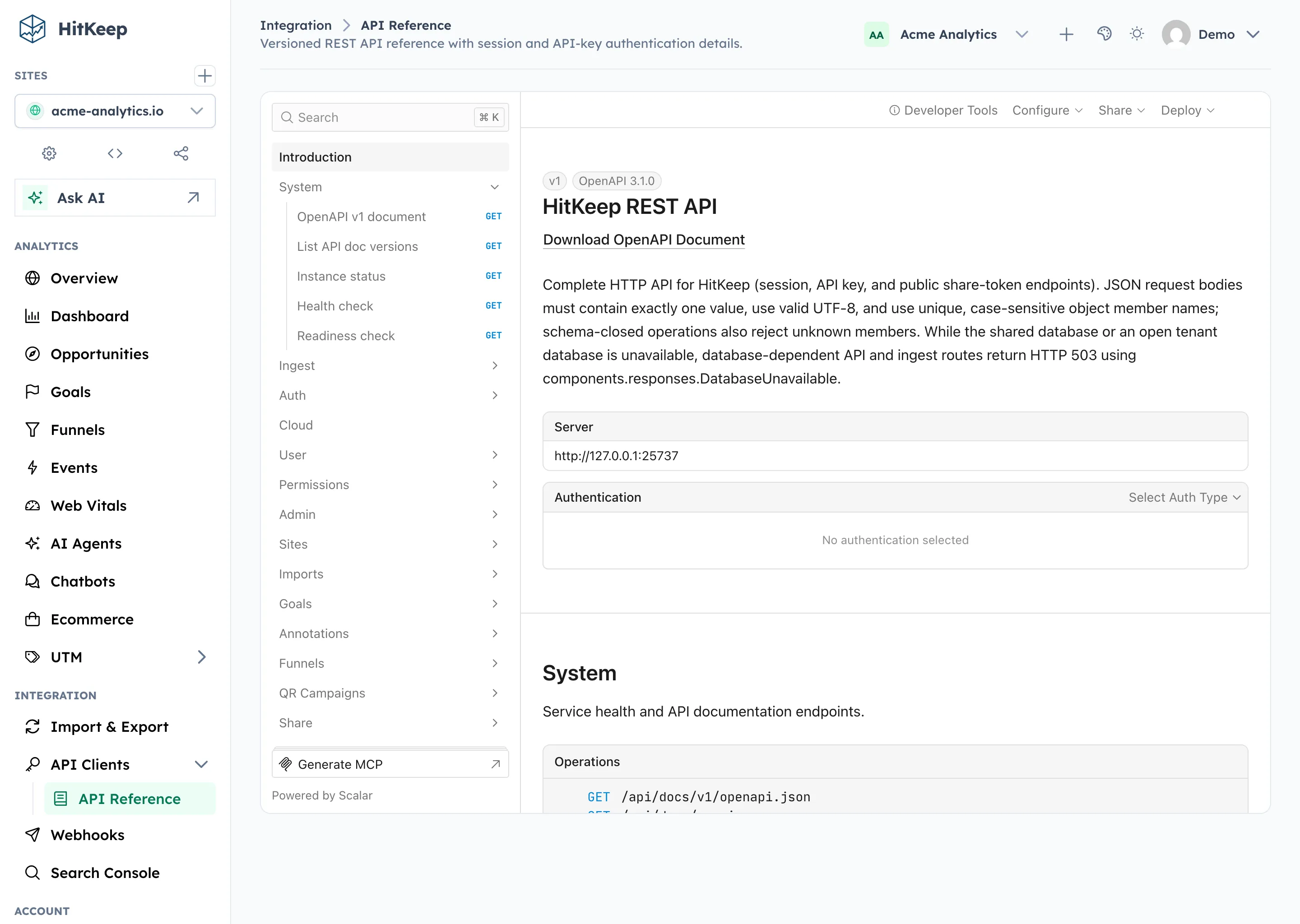
API reference:
Site access is explicit: a personal client with no site grants can still be useful for allowed instance/admin APIs, but it cannot read analytics, use MCP site tools, or ingest site data until you add a site role grant.
Create a Team Token
Section titled “Create a Team Token”- Open Administration → Team → Settings.
- Scroll to Team API Clients.
- Create a token and grant it access to one or more sites in the current team.
- Copy the generated token immediately — it is shown once.
API reference:
Using a Token
Section titled “Using a Token”Pass the token as a Bearer token in the Authorization header on any API request:
For example, any authenticated site stats request in the API reference can be called with a bearer token:
This is suitable for server-to-server use. Site-scoped endpoints require a matching site_roles grant on the token; an instance/admin role alone does not grant access to site analytics, MCP tools, or ingest endpoints. Do not expose tokens in client-side JavaScript. Server clients should send the bearer token and normal API headers without adding browser-only Sec-Fetch-* or Origin headers.
JSON request rules
Section titled “JSON request rules”Send exactly one JSON value per request body and use the field names shown in the API reference. HitKeep treats object member names as case-sensitive, rejects duplicate names, and rejects invalid UTF-8 instead of replacing malformed bytes. Operations with a closed request schema also reject unknown members; forward-compatible operations may ignore unknown members, so do not use that behavior as a feature-detection mechanism.
These checks remove ambiguous inputs before authentication, validation, persistence, or forwarding. Responses use Go’s v2 JSON field-omission semantics: omitempty is based on the encoded JSON value, so zero numbers and booleans can remain present. HitKeep additionally keeps deterministic object output, null for nil collections, and HTML- and JavaScript-safe string escaping.
Use Tokens With MCP
Section titled “Use Tokens With MCP”The optional Official MCP Server uses the same API client bearer tokens. It does not accept dashboard cookies.
Connect your MCP client to the configured Streamable HTTP endpoint and send:
Authorization: Bearer <hitkeep-api-client-token>The MCP server applies API rate limiting, tenant-aware analytics store resolution, and site permissions. A token can only query sites where it has site.view.
Use team API clients for shared assistants and scope them only to the sites the assistant needs. For the full assistant setup, pair the token and MCP endpoint with the HitKeep Agent Skills.
Use Tokens With Annotations
Section titled “Use Tokens With Annotations”Chart annotations accept API client tokens, so a deployment pipeline can add a note for every production release.
| Task | Token scope |
|---|---|
| List annotations | site.view for the site |
| Create, update, or delete annotations | site.manage_annotations for the site (owner, admin, or editor site role) |
The MCP tool hitkeep_get_annotations is read-only and needs only site.view.
Use Tokens With Opportunities
Section titled “Use Tokens With Opportunities”Saved Opportunity Recommendations use the same site permission model as the dashboard.
| Task | Token scope |
|---|---|
| List saved Opportunities | site.view for the site |
| Generate or regenerate Opportunities | site.manage_data for the site |
| Save, dismiss, or mark done | site.manage_data for the site |
Use this when an internal workflow needs to pull saved recommendations into a reporting system or trigger regeneration after a data import. The API returns translation keys, interpolation params, cited evidence, and detector metadata. It does not return raw prompts or raw provider responses.
Use Tokens for Server-Side Tracking
Section titled “Use Tokens for Server-Side Tracking”Server-side pageview and event ingest uses API client tokens. Give the token site.manage_data for each site it writes to.
Use this for backend forwarding, CMS plugins, and historical replay jobs that submit original timestamp, url, visitor_ip, and user_agent values.
Guide:
API reference:
Use Tokens for AI Fetch Ingest
Section titled “Use Tokens for AI Fetch Ingest”AI crawler fetch ingest also uses API client tokens. Give the token site.manage_data for the target site and send matching crawler request metadata to:
POST /api/sites/{site_id}/ingest/ai-fetchAuthorization: Bearer <hitkeep-api-client-token>Use this for CloudFront log forwarding, origin log forwarding, or app-server middleware that can see crawler requests. The browser tracker cannot reliably capture AI crawlers because most crawler requests do not run JavaScript.
Guide:
API reference:
Managing Tokens
Section titled “Managing Tokens”Use the generated reference for the full lifecycle:
- List personal API clients
- Update a personal API client
- Roll a personal API client token
- Delete a personal API client
- List team API clients
- Update a team API client
- Roll a team API client token
- Delete a team API client
Only team owners and admins can manage team API clients.
Security Best Practices
Section titled “Security Best Practices”- Use one token per integration so you can revoke granularly.
- Rotate tokens periodically with the roll-token action. The old token stops working immediately and the new token is shown once.
- Store tokens in environment variables or a secrets manager, never in source code.
- HitKeep does not store tokens in plain text — only a hashed form is retained after creation.
- Prefer team API clients for long-lived automation owned by a team instead of a single person.
- Grant API clients access only to the sites they actually need.