
Read-Only Shareable Analytics Dashboards in HitKeep
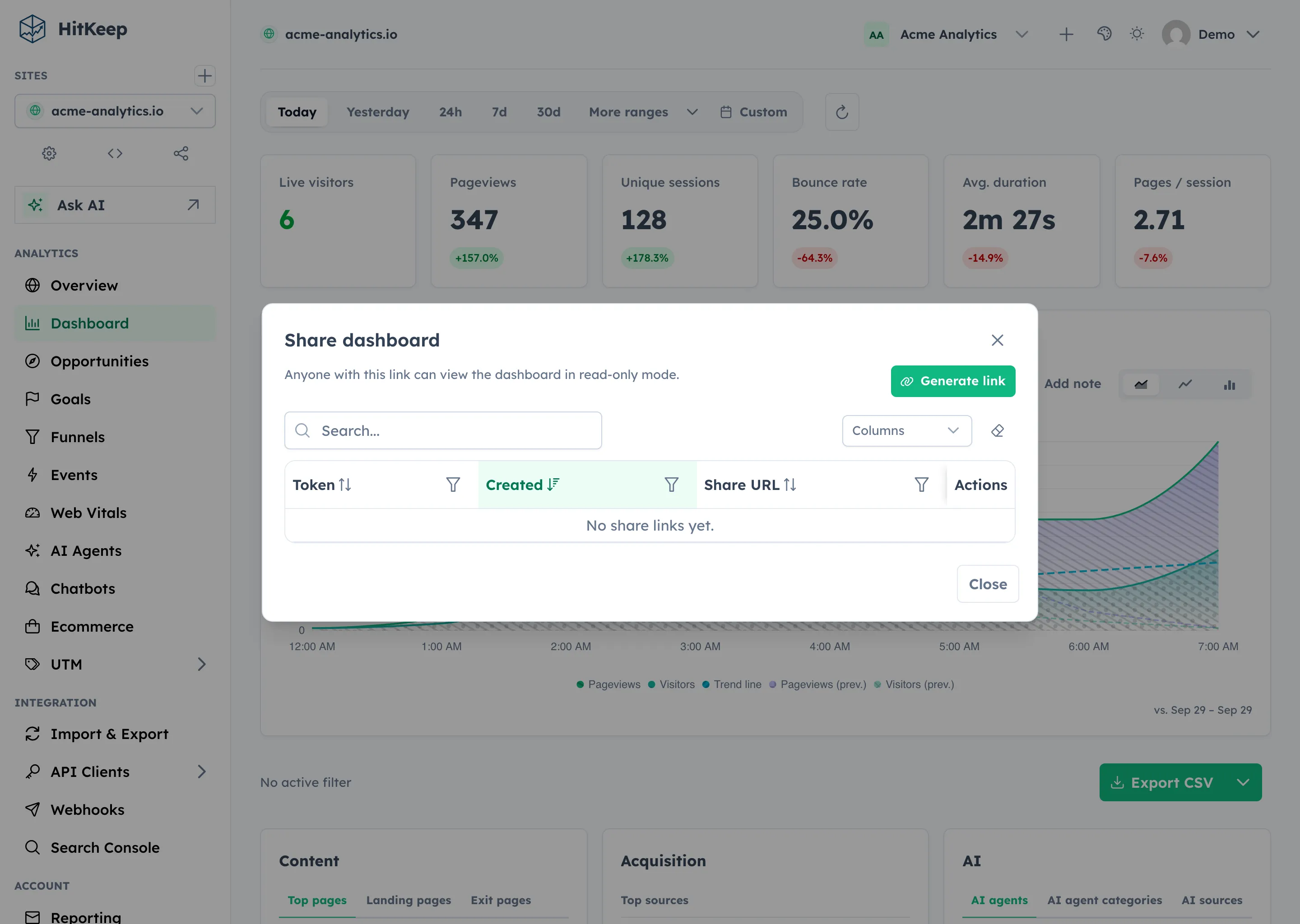
You want to show analytics to a client, a board member, or the public — without handing out credentials or exposing your admin dashboard. HitKeep share links give read-only access to a single site’s analytics. You create them, you revoke them, your server serves them. No third-party service involved.
Share Link REST API Reference
Section titled “Share Link REST API Reference”Share the url with anyone. Opening it in a browser shows the dashboard — no login, no account, no tracking of who viewed it.
Deep-Linking to a Specific Page
Section titled “Deep-Linking to a Specific Page”Share links support deep-linking. Append a page path to the share URL to land viewers directly on a specific analytics view instead of the default dashboard.
| Append | Destination |
|---|---|
/dashboard | Overview dashboard (default) |
/events | Custom events explorer |
/ai-agents | Unified AI agent activity, including the log-ingested crawler fetch counts; fetch-to-visit correlation and the fetch export are hidden on shared links |
/ai-chatbots | On-site chatbot analytics |
/ecommerce | Ecommerce revenue & products |
/opportunities | Saved opportunity recommendations |
/goals | Goal completions |
/funnels | Funnel analysis |
/utm | UTM campaign breakdown |
Example: to send a client straight to the ecommerce report, share:
https://your-instance.example.com/share/<token>/ecommerceThe sidebar navigation inside share mode only shows analytics pages — admin, settings, and team sections are hidden automatically.
What a Share Link Exposes
Section titled “What a Share Link Exposes”Share links give read-only access to:
- Site overview stats, charts, and city/provider/ASN aggregate breakdowns
- Custom events (names, property breakdowns, timeseries, and aggregate audience panels)
- AI agent activity — tracked hits and log-ingested crawler fetch counts merged into one report — and AI chatbot analytics, when those pages have data
- Ecommerce metrics (revenue, orders, products, sources, and checkout city/provider/ASN context)
- Web Vitals summaries, page rows, trends, and visitor-context breakdowns
- Saved Opportunities for the shared site, without internal team or AI run fields
- Goals and funnel completion data
- UTM campaign data
- Raw hits viewer (read-only)
- CSV export of the hits visible in the time range
They do not expose:
- Admin settings
- Team member lists
- API clients or tokens
- MCP endpoints or bearer-token access
- Retention configuration
- UTM builder
- Fetch-to-visit correlation and the AI fetch export on
/ai-agents - Raw visitor IP addresses, user-agent rows, or internal AI/provider run metadata
Revoke a Share Link
Section titled “Revoke a Share Link”Share links can be revoked at any time. The token immediately stops working.
You are always in control of who has access. No external OAuth provider, no third-party permission system — just your instance, your tokens.
Public Analytics
Section titled “Public Analytics”Share links can be used to build a public analytics page for your own site — a common transparency practice among open-source projects and government organizations. Point your analytics.example.com/public to the share URL via a redirect, or embed the link as an iframe.
See it in action → — this is a live share link from the HitKeep demo instance, populated with sample data.
Related
Section titled “Related”- Permissions & Roles
- Opportunity Recommendations
- Official MCP Server
- REST API Reference
- Configuration Reference
HitKeep Cloud → serves share links from your chosen managed region (EU or US) with the same access control model.