
Web Analytics for ChatGPT with HitKeep
Section titled “Web Analytics for ChatGPT with HitKeep”Bring aggregate HitKeep reports into a ChatGPT conversation when you need to explain a campaign result, investigate a traffic change, or prepare a concise reporting update. The MCP connection limits the data available to the sites you authorize; the first-party skills help ChatGPT interpret that evidence.
Turn reporting questions into evidence
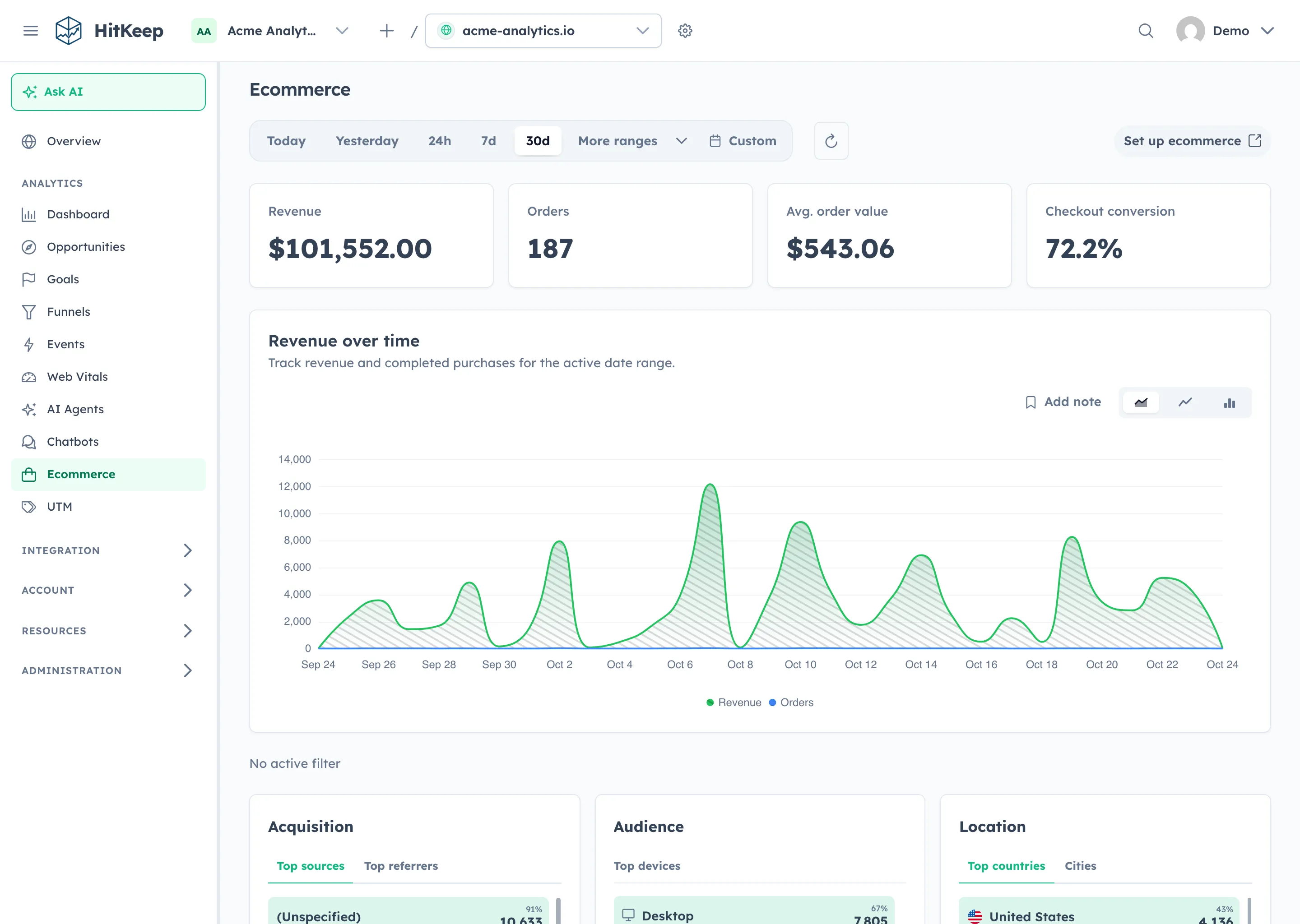
Section titled “Turn reporting questions into evidence”Start with a specific period and decision. For example: “Compare ecommerce performance for the last seven complete days with the previous seven. Separate changes in traffic volume from conversion and order value, and identify missing evidence.”
HitKeep’s five skills cover general analytics, traffic diagnosis, AI visibility, ecommerce, and tracking verification. Depending on the data you collect, ChatGPT can request traffic comparisons, page and source breakdowns, events, configured funnels, Web Vitals, imported Search Console rows, and AI visibility reports.
Keep limits visible in the answer. Imported Search Console rows are not live Google queries. AI crawler fetches are separate from AI-referred human visits. A correlation on the same path does not prove that a particular assistant answer caused a visit or purchase.
A plugin for instructions, a connection for data
Section titled “A plugin for instructions, a connection for data”Download the HitKeep Analytics 2.15.0 ZIP, then use Settings → Plugins → Browse catalog → Add → Upload plugin archive in ChatGPT where this feature is available. Review the five skills and install the private plugin.
Next, add a custom MCP server using your instance’s canonical HTTPS endpoint from Integration → Assistants. Review the OAuth connection and approve only the team and sites needed for the work. The ChatGPT guide walks through the two steps separately.
The portable package is published for native installation. This is separate from a listing or approval in the universal ChatGPT/Codex directory. Installing it does not configure MCP or authorize data access. OAuth requires an instance with the 2.15.0 functionality; check release availability and instance support.
Keep access under your control
Section titled “Keep access under your control”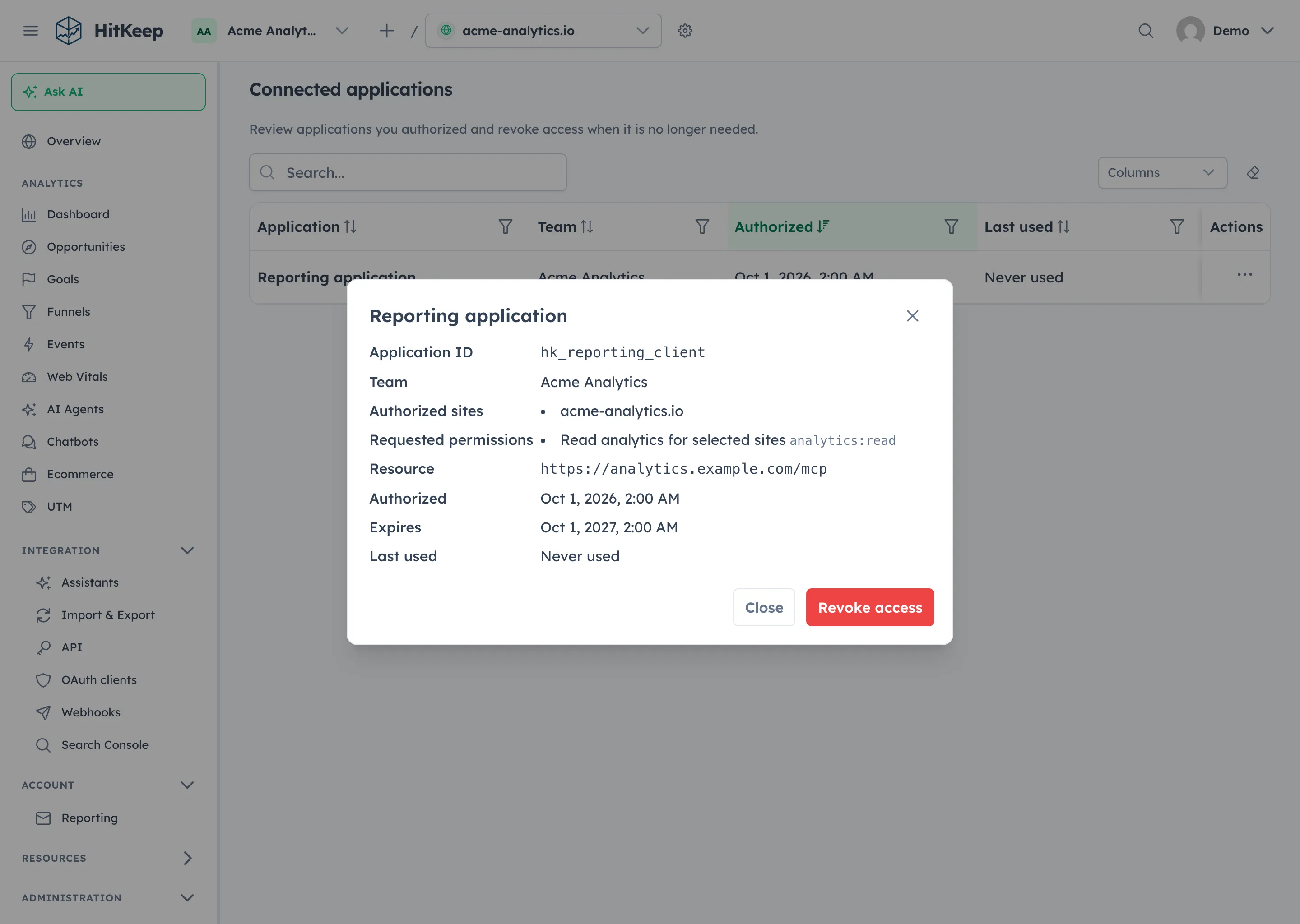
The MCP surface is read-only and aggregate-only. It does not expose dashboard sessions, billing, site administration, goal changes, or raw hit exports. HitKeep checks both the grant and your current site authority on requests.
Choose managed HitKeep Cloud in the EU or US before signup, or use your own HTTPS self-hosted endpoint. Connecting ChatGPT sends the authorized aggregate results to that assistant under its data handling rules; a HitKeep Cloud region does not establish the assistant provider’s processing region. Use takeout when you need portable files instead of assistant analysis.