
Web Analytics for Codex with HitKeep
Section titled “Web Analytics for Codex with HitKeep”Use Codex to connect the release context you provide with aggregate traffic and conversion evidence from HitKeep. Investigate a deployment-related change, check tracking assumptions, or explain a campaign result through a scoped, read-only MCP connection.
Connect release context to measured results
Section titled “Connect release context to measured results”Ask a concrete question: “Compare my site’s last seven complete days with the previous seven. Check the relevant release annotations, source changes, and event coverage before proposing why traffic moved.”
HitKeep can supply KPI comparisons, page and source breakdowns, event names and properties, configured funnel statistics, ecommerce aggregates, Web Vitals, imported Search Console rows, and AI visibility. The same five analytics skills cover general analysis, traffic diagnosis, AI visibility, ecommerce, and tracking verification.
Keep measurement and explanation separate. Codex can use repository context you explicitly make available, but HitKeep MCP does not expose source code or automatically associate every deployment with an analytics change. An annotation is context, not proof of causation. Missing events or crawler feeds remain missing evidence.
Install the native Codex plugin
Section titled “Install the native Codex plugin”The first-party repository marketplace publishes the portable HitKeep Analytics package:
codex plugin marketplace add HitKeep/hitkeep-assistant-plugins --ref v2.15.0codex plugin add hitkeep-analytics@hitkeepThis installs five skills with no executable hooks, bundled MCP endpoint, or credentials. Repository installation is separate from an approved universal directory listing. See the Codex guide for installation checks and connection setup.
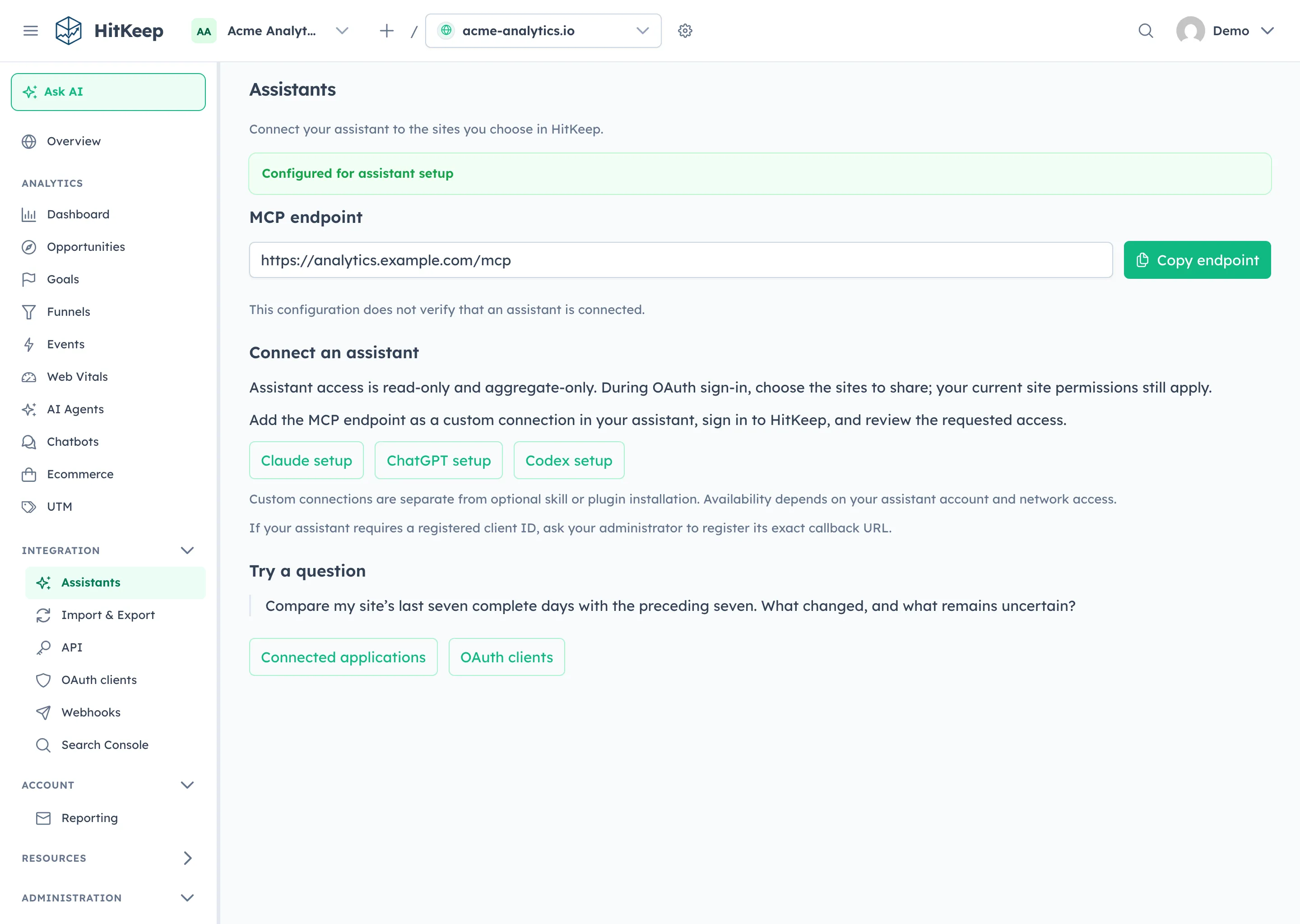
Authorize a narrow reporting connection
Section titled “Authorize a narrow reporting connection”Add your instance’s canonical HTTPS MCP endpoint in Codex and complete OAuth where the instance advertises support. The skills package is available now; OAuth and the Assistants page require the 2.15.0 application functionality. Check release availability before connecting an older instance.
Choose the team and sites deliberately. HitKeep checks the grant, scopes, MCP resource, and your current site permissions. The surface provides aggregate reporting and docs, excluding raw hit exports, dashboard cookies, billing, token management, and administrative writes. Installing an analytics plugin does not make Codex a HitKeep administrator.
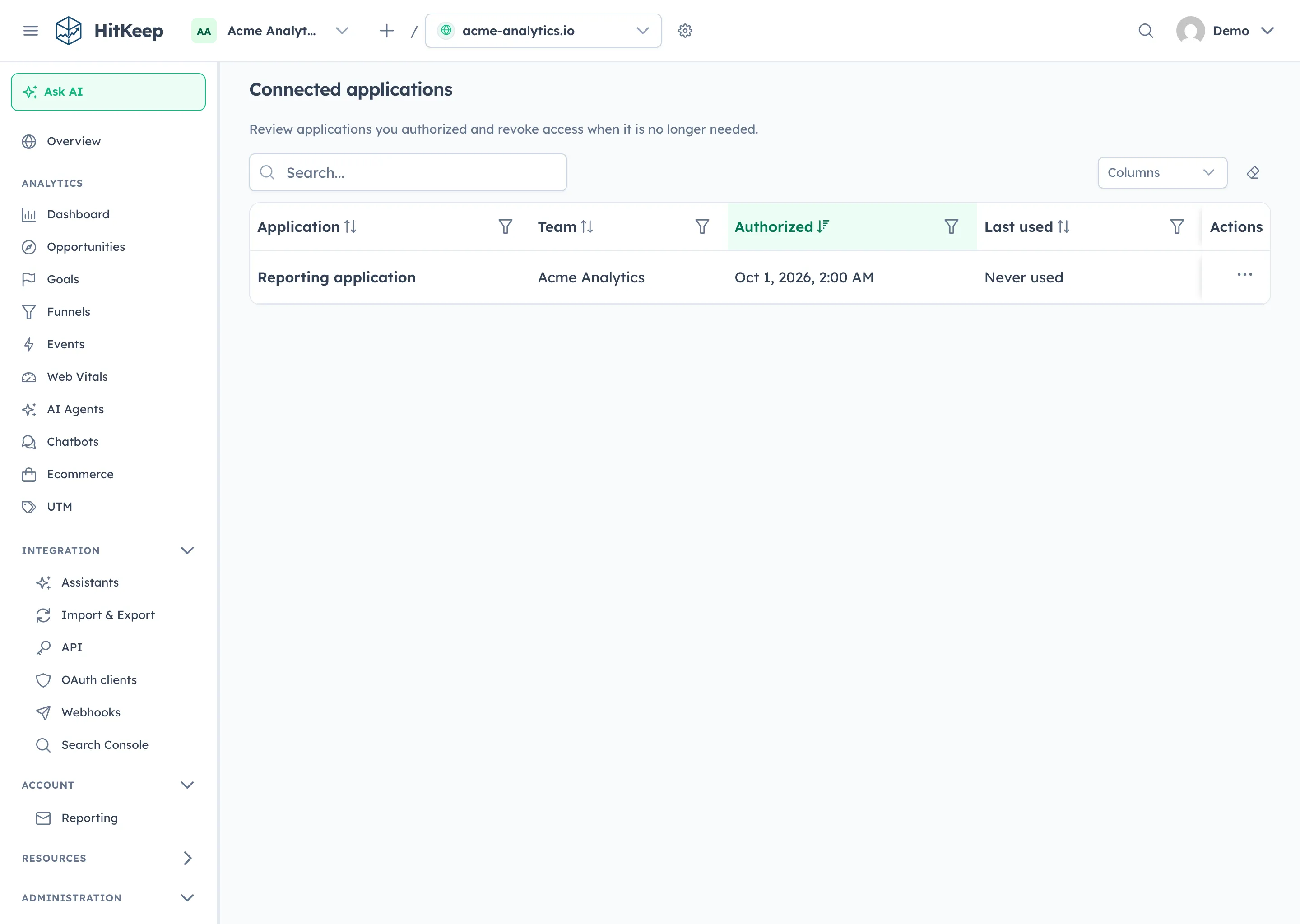
Use HitKeep Cloud in either the EU or US, chosen before signup, or point Codex at a self-hosted HTTPS instance. Aggregate tool results are shared with the assistant you authorize; the assistant’s provider rules remain separate from your HitKeep hosting region. For portable data files, use exports and takeout.