
Email Reports
You want to stay on top of your analytics without opening the dashboard every day. HitKeep’s email reports deliver scheduled summaries directly to your inbox — either a digest across all your sites, or focused reports for individual sites.
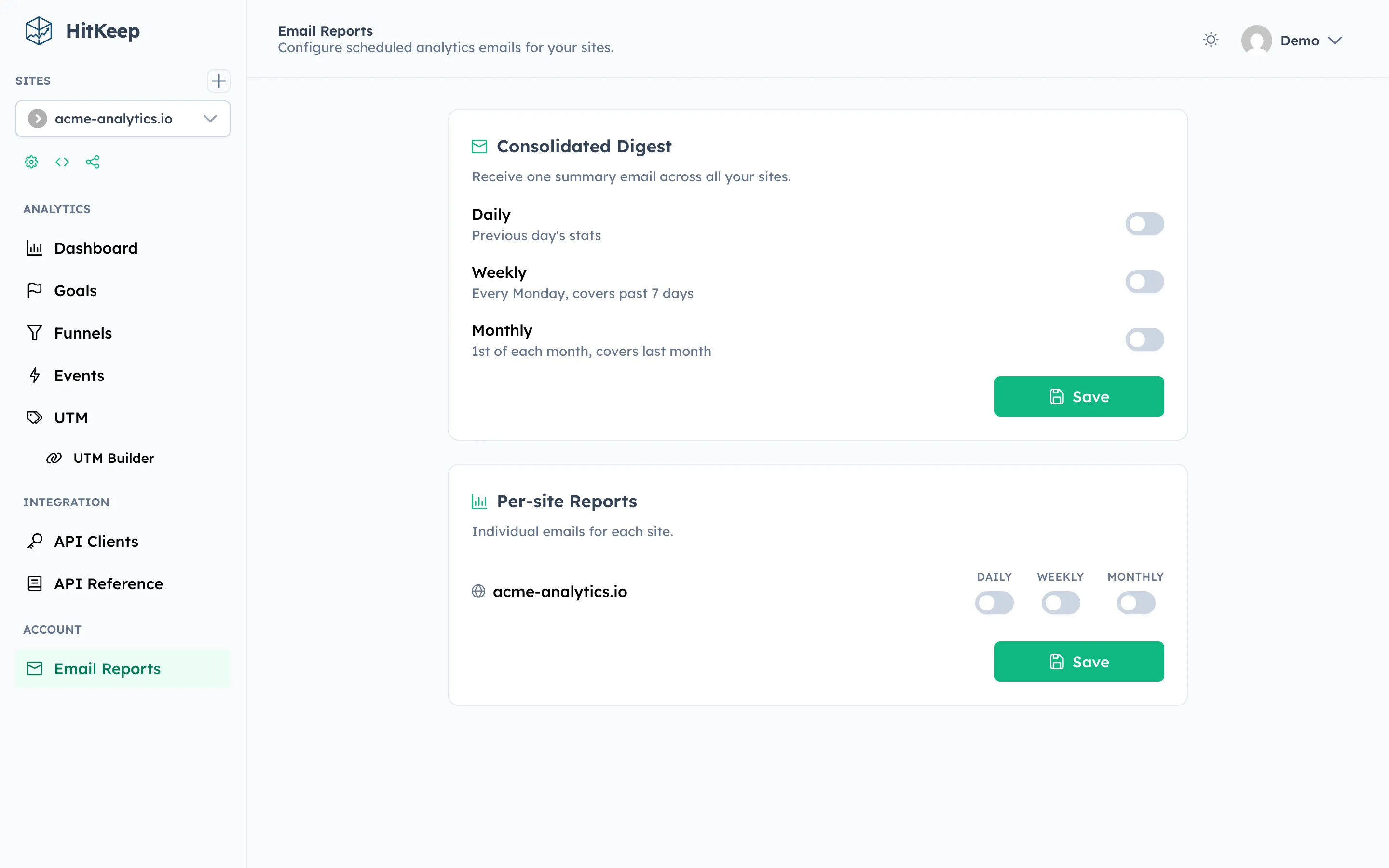
Two Report Types
Section titled “Two Report Types”Digest Reports
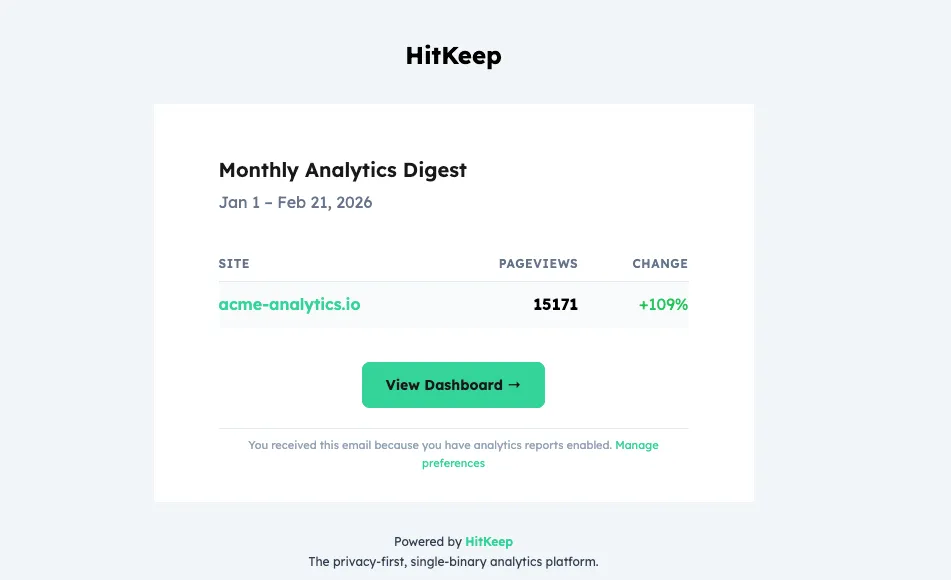
Section titled “Digest Reports”A digest bundles a summary of all sites you have access to into a single scheduled email. It is the equivalent of a weekly briefing.
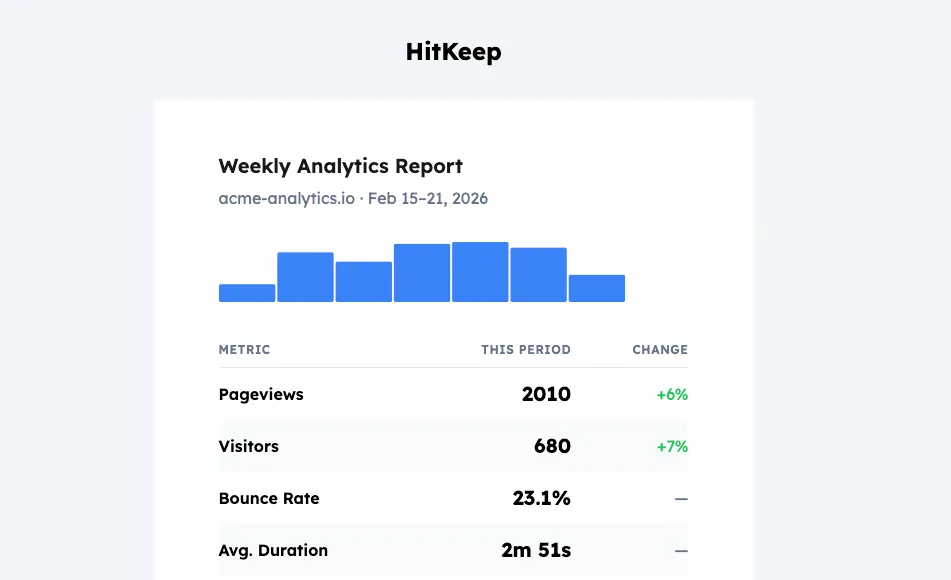
Per-Site Reports
Section titled “Per-Site Reports”Per-site reports focus on a single site and include its key metrics for the configured period.
Setup via Dashboard
Section titled “Setup via Dashboard”- Open Settings → Notifications in the HitKeep dashboard.
- Toggle Weekly Digest on or off.
- For individual sites, open Site Settings → Notifications and enable the site report.
# Get current report subscription settingscurl https://your-hitkeep.example/api/user/report-subscriptions \  -b "hk_token=YOUR_SESSION_COOKIE"
# Update digest subscriptioncurl -X PUT https://your-hitkeep.example/api/user/report-subscriptions/digest \  -H "Content-Type: application/json" \  -b "hk_token=YOUR_SESSION_COOKIE" \  -d '{"enabled":true}'
# Update per-site report subscriptioncurl -X PUT https://your-hitkeep.example/api/user/report-subscriptions/sites/{site_id} \  -H "Content-Type: application/json" \  -b "hk_token=YOUR_SESSION_COOKIE" \  -d '{"enabled":true}'
SMTP Configuration
Section titled “SMTP Configuration”Reports are sent via your configured SMTP server. The minimum required settings:
hitkeep \ -mail-host="smtp.postmarkapp.com" \ -mail-port=587 \ -mail-username="YOUR_API_TOKEN" \ -mail-password="YOUR_API_TOKEN" \ -mail-from-address="analytics@your-domain.com" \ -mail-from-name="HitKeep"Or via environment variables:
HITKEEP_MAIL_HOST=smtp.postmarkapp.comHITKEEP_MAIL_PORT=587HITKEEP_MAIL_USERNAME=YOUR_API_TOKENHITKEEP_MAIL_PASSWORD=YOUR_API_TOKENHITKEEP_MAIL_FROM_ADDRESS=analytics@your-domain.comHITKEEP_MAIL_FROM_NAME=HitKeepFull reference: Email (SMTP).
Report Delivery
Section titled “Report Delivery”Reports are dispatched by the background Report Worker on a scheduled basis. The worker runs automatically as long as SMTP is configured. No cron jobs or external schedulers are needed.
Related
Section titled “Related”Don’t want to manage SMTP configuration, deliverability, or email templates? HitKeep Cloud → includes managed email delivery out of the box.