
Teams and Data Isolation
Multi-tenant analytics platforms typically co-mingle everyone’s data in a single database and rely on row-level filters to keep tenants apart. One bad query, one missing WHERE clause, and data leaks across boundaries. HitKeep takes a different approach: it separates control plane and data plane into distinct databases. Each team’s analytics data lives in its own DuckDB file. There is no shared analytics table to accidentally query across.
Control Plane vs Data Plane
Section titled “Control Plane vs Data Plane”HitKeep splits its storage into two planes:
Control plane — the shared hitkeep.db:
- Users, sessions, and authentication (JWT, MFA, passkeys)
- Sites metadata (domain, settings, team membership)
- Share links
- Tenants and tenant membership
- User preferences (active tenant)
Data plane — per-tenant DuckDB files:
- Hits (pageviews)
- Events (custom events and properties)
- Goals and funnels (canonical configuration plus rollups)
- Rollups (pre-aggregated daily summaries)
The only reference crossing the boundary is the site_id — the control plane knows which sites exist and which tenant owns them; the data plane stores analytics rows keyed by that site_id. No queries JOIN across the two planes.
How It Works
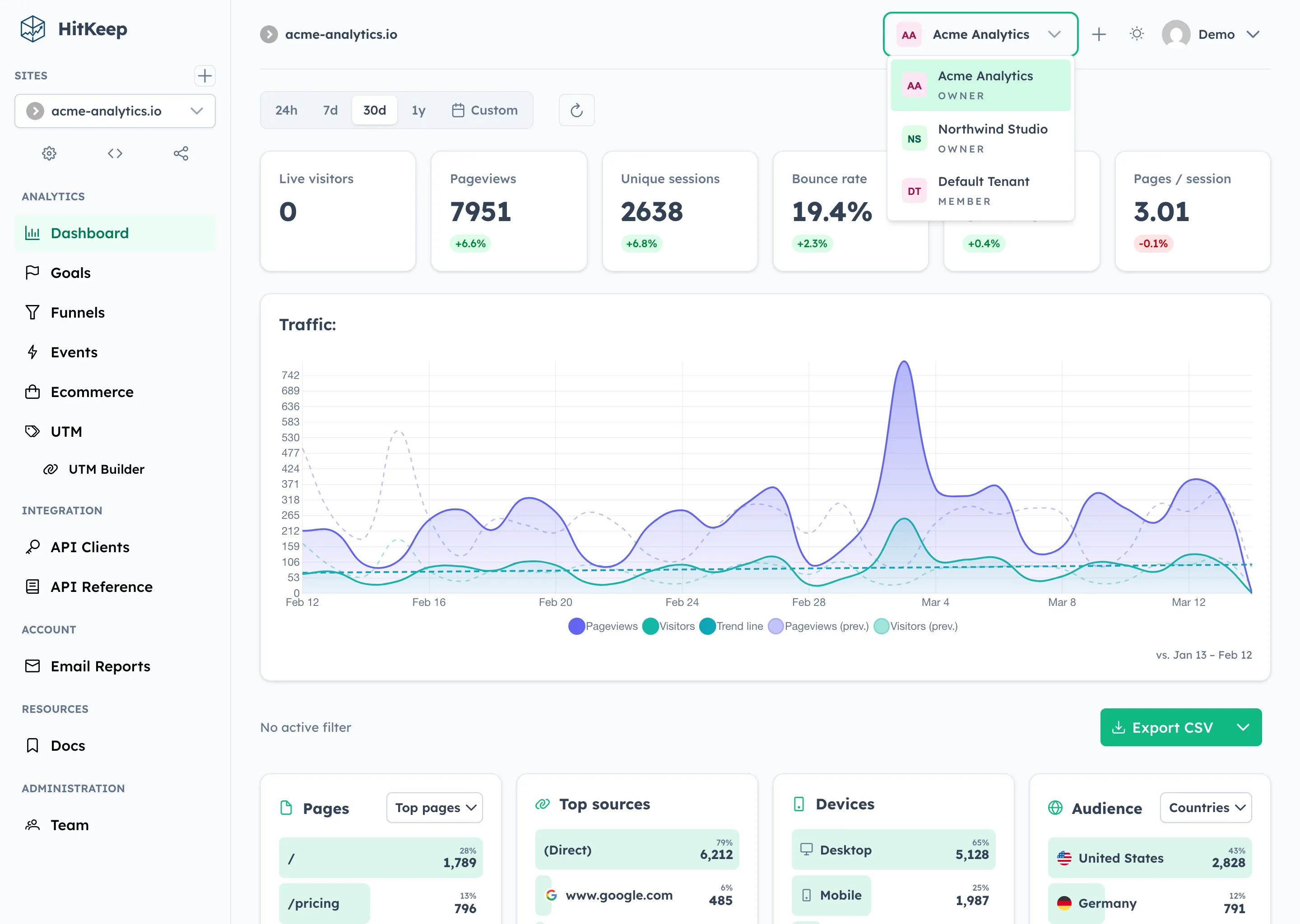
Section titled “How It Works”HitKeep uses a team (internally called a tenant) as the isolation boundary. Every HitKeep instance has a default team created automatically on first boot. Sites created before teams existed, and sites created by users who never switch teams, belong to this default team.
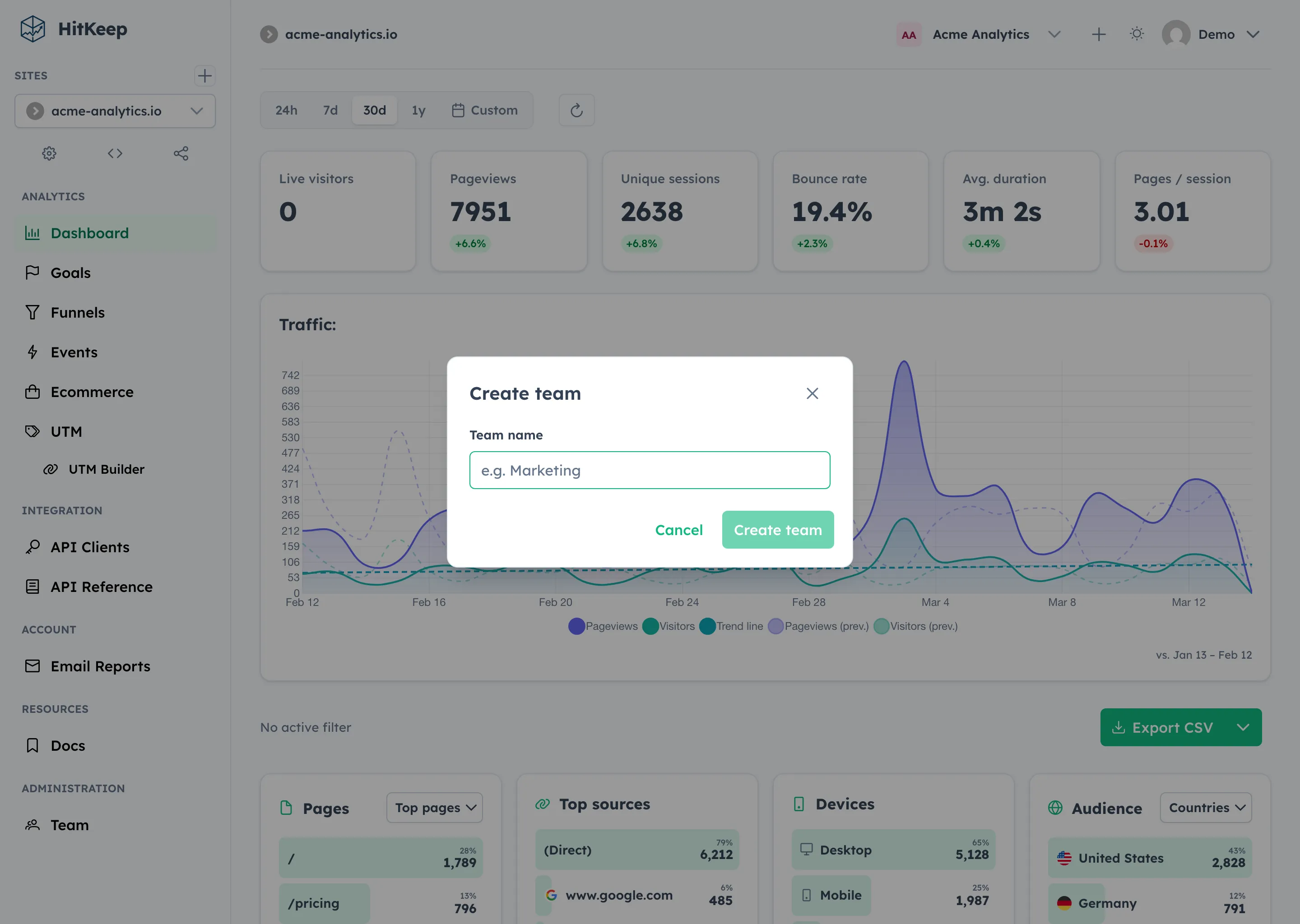
When you create a second team, HitKeep provisions a separate data plane database for it:
/var/lib/hitkeep/data/├── hitkeep.db # Control plane + default team data plane└── tenants/ └── a1b2c3d4-.../ └── hitkeep.db # Team-specific data plane: hits, events, rollupsEvery data pathway — ingestion, API reads, background workers, data exports — resolves the correct data plane database before touching analytics data. The resolution is transparent: a site_id is mapped to its owning tenant, and the tenant’s store is returned.
Backwards Compatibility
Section titled “Backwards Compatibility”If you run a single-user or single-team instance, nothing changes. The default team’s data plane lives inside the shared hitkeep.db — both planes coexist in one file, no extra databases are created, no configuration required. The isolation layer short-circuits for the default tenant and returns the shared store directly.
Team Roles
Section titled “Team Roles”Each team has its own role hierarchy, independent of instance-level roles.
| Role | Permissions |
|---|---|
owner | Full team control — settings, members, sites, billing |
admin | Manage members and sites; cannot delete the team |
member | Access team sites according to their per-site roles |
The user who creates a team is automatically assigned the owner role.
Usage Visibility
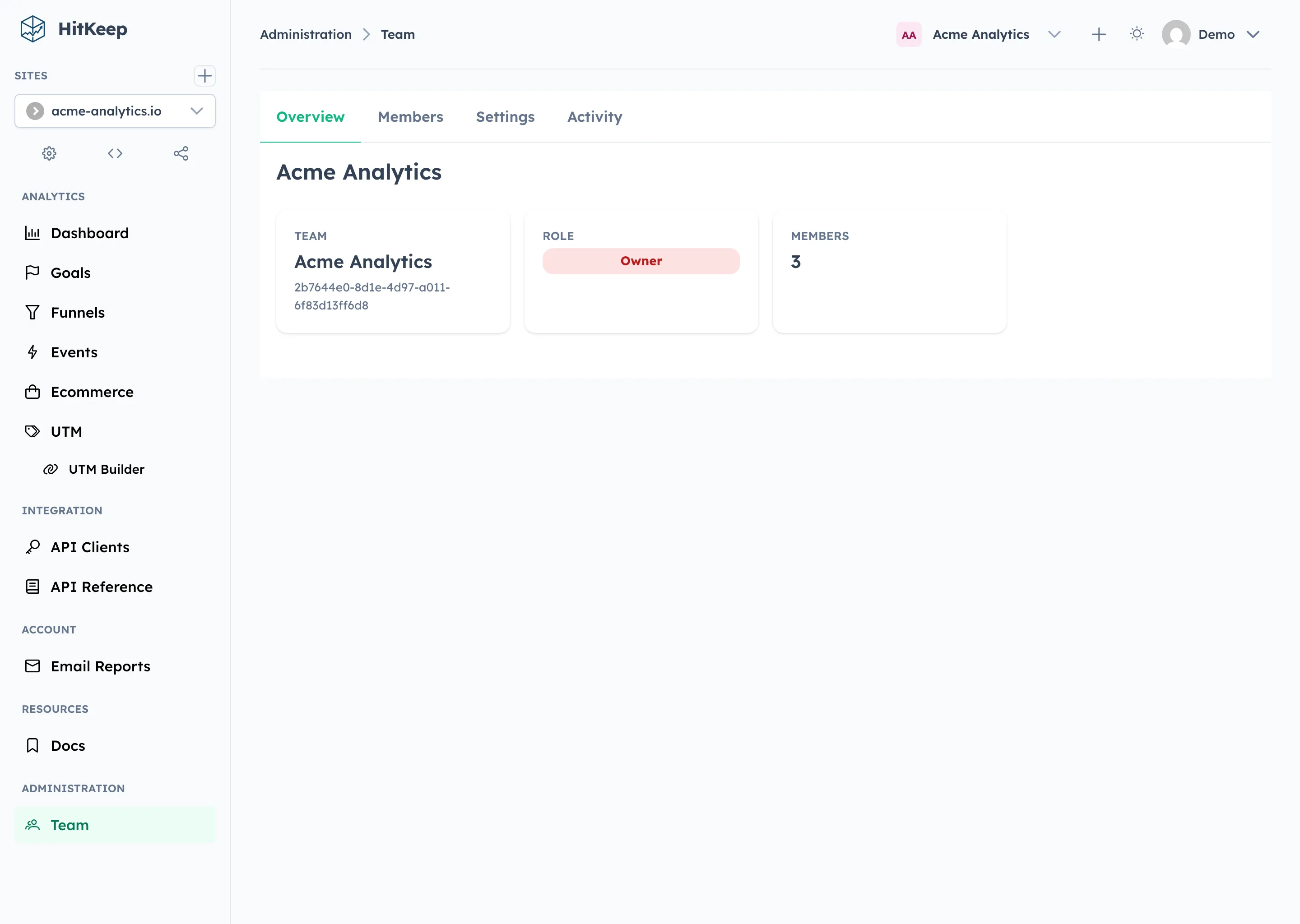
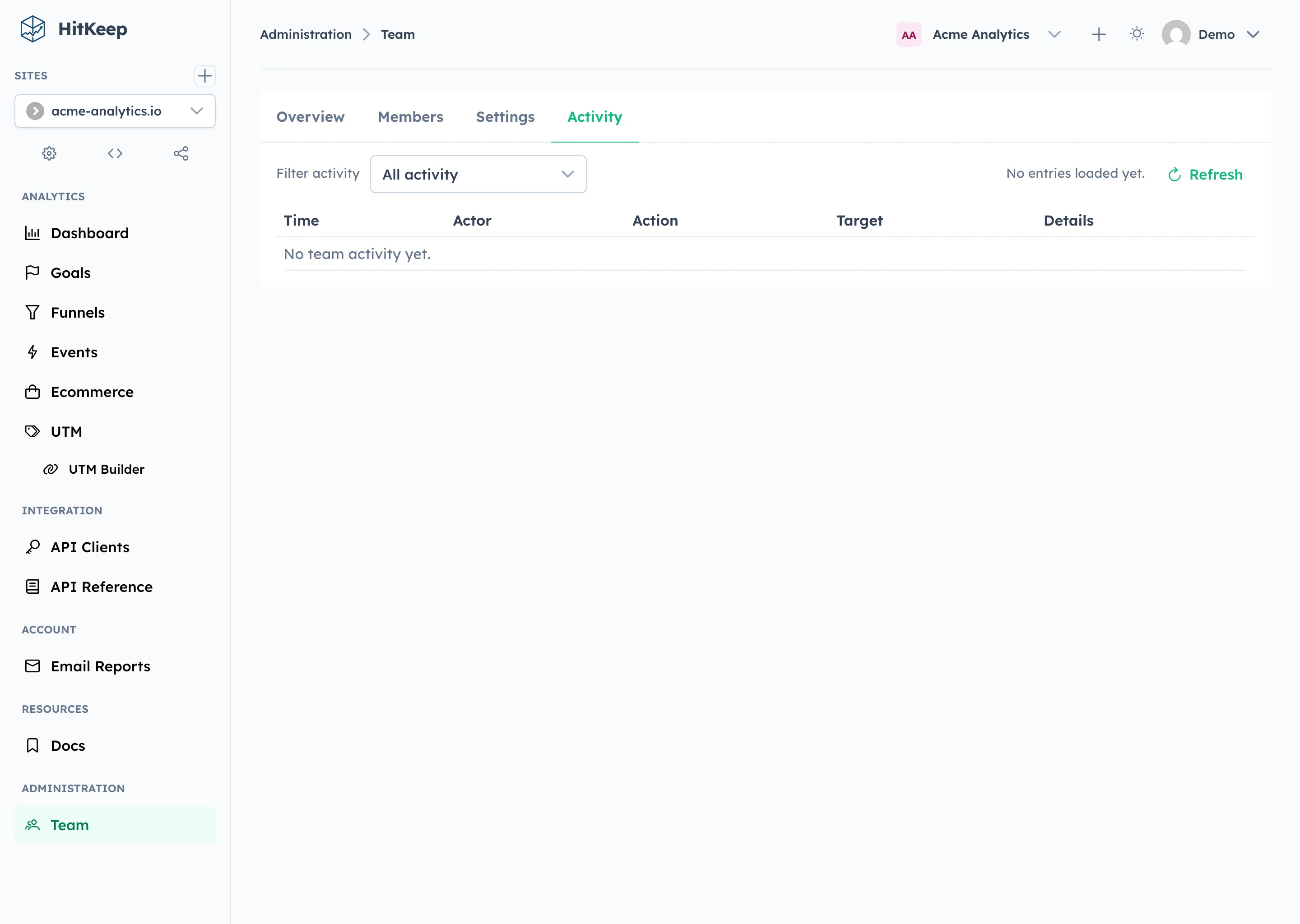
Section titled “Usage Visibility”HitKeep exposes both current usage and plan entitlements in the team payload so owners and admins can see quota pressure before automation or ingestion is blocked.
GET /api/user/teams includes, for each team:
usage.current_sitesusage.current_membersusage.current_pending_invitesusage.current_monthly_eventsentitlements.max_sites_per_teamentitlements.max_team_membersentitlements.max_monthly_events
The Team Overview page renders these values as usage cards and progress bars whenever a limit is finite. In the OSS build, the default provider reports unlimited entitlements, so the cards show current usage alongside an unlimited state.
Team REST API Reference
Section titled “Team REST API Reference”- List teams
- Create a team
- Set the active team
- Update team settings
- Deprecated compatibility update route
- Invite a member
- Remove a member
- Transfer ownership
- Leave a team
- Archive a team
- List all teams (admin)
- Archive team (admin)
- Hard-delete an archived team
- Transfer a site to another team
The new team is automatically set as the caller’s active team.
Response includes active_team_id so you know which team context you’re operating in.
After switching, all site operations (create, list, analytics queries) are scoped to the active team.
Invite a Member
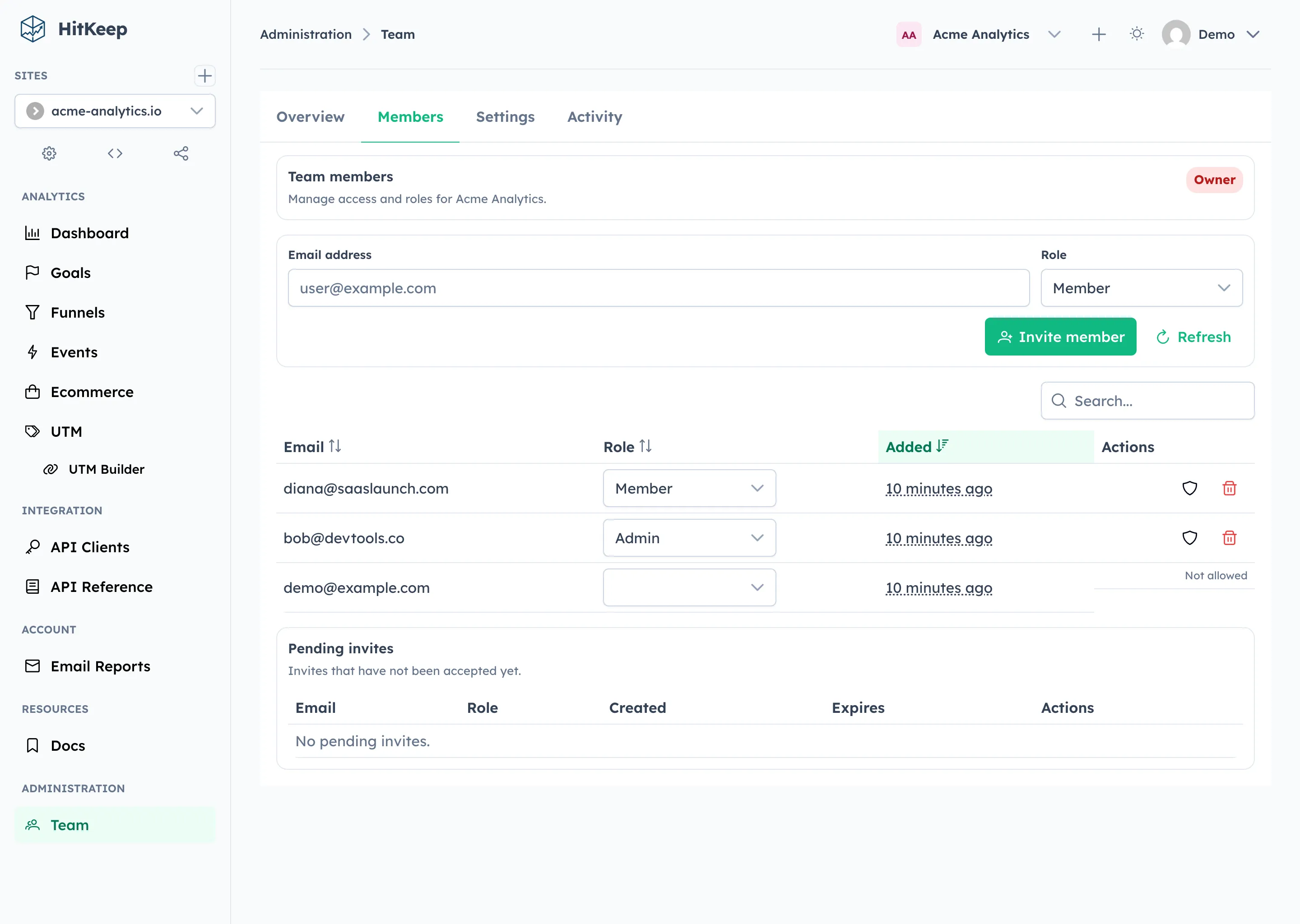
Section titled “Invite a Member”Owners and admins can invite users by email. If the email doesn’t match an existing account, HitKeep creates one and sends an invite link.
Role assignment follows a hierarchy: you can only assign roles at or below your own level.
Remove a Member
Section titled “Remove a Member”The last remaining owner cannot be removed.
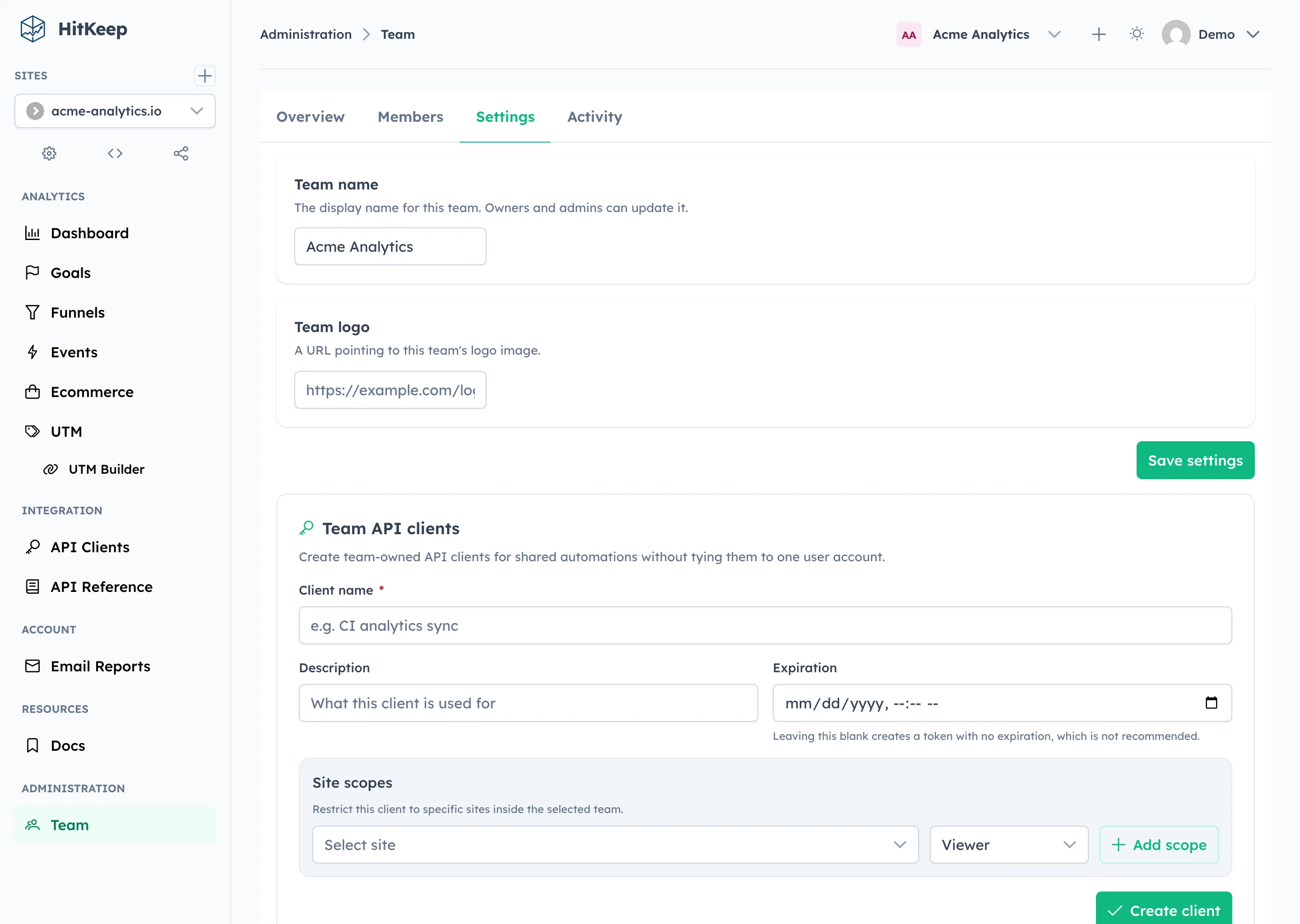
Update Team Settings
Section titled “Update Team Settings”PUT /api/user/teams/{team_id} remains available as a deprecated compatibility alias for one bridge release.
Transfer Ownership
Section titled “Transfer Ownership”Ownership transfer is an explicit action. The current owner promotes an existing member to owner and is downgraded to admin.
This keeps the “at least one owner” invariant intact and records an audit event for the change.
The same invariant is enforced at the instance-admin level too: deleting a user account is blocked if that user is still the sole owner of any team. Instance admins must transfer ownership first, then delete the user.
Leave or Archive a Team
Section titled “Leave or Archive a Team”Members can leave a team as long as they are not the last remaining owner and the team is not their only team:
Owners can archive an empty team once all sites have been moved or deleted:
When the active team is left or archived, HitKeep automatically falls back to the next available team and updates active_team_id.
If you need an irreversible cleanup, an instance owner can permanently delete an already archived team and remove its per-tenant DuckDB file:
This hard-delete path is only available after the team has been archived and all sites have been transferred or deleted.
Instance Admin: Managing Teams
Section titled “Instance Admin: Managing Teams”Instance admins can view and manage all teams from the System Settings → Teams tab. This tab lists every team with its member count, site count, archive status, and creation date.
Deleting a Team
Section titled “Deleting a Team”Any non-default team can be deleted directly from the Teams tab with a single click. HitKeep handles the full cleanup automatically:
- Deletes all sites belonging to the team and their analytics data
- Archives and purges the team record
- Removes the per-tenant DuckDB analytics database
Members keep their instance accounts and remain in any other teams they belong to.
The confirmation dialog warns about the number of sites that will be deleted, so there are no surprises.
Via the API:
# List teams to find the targetcurl -s -b cookies.txt https://your-instance/api/admin/teams | jq .
# Delete a team (sites, members, and data are cleaned up automatically)curl -X DELETE -b cookies.txt https://your-instance/api/admin/teams/{team_id}?force=true
Without ?force=true, the team must already be archived with no sites — useful if you want to handle cleanup manually.
The default team cannot be deleted — it serves as the fallback for users and sites that are not explicitly assigned to a team.
Transfer a Site Between Teams
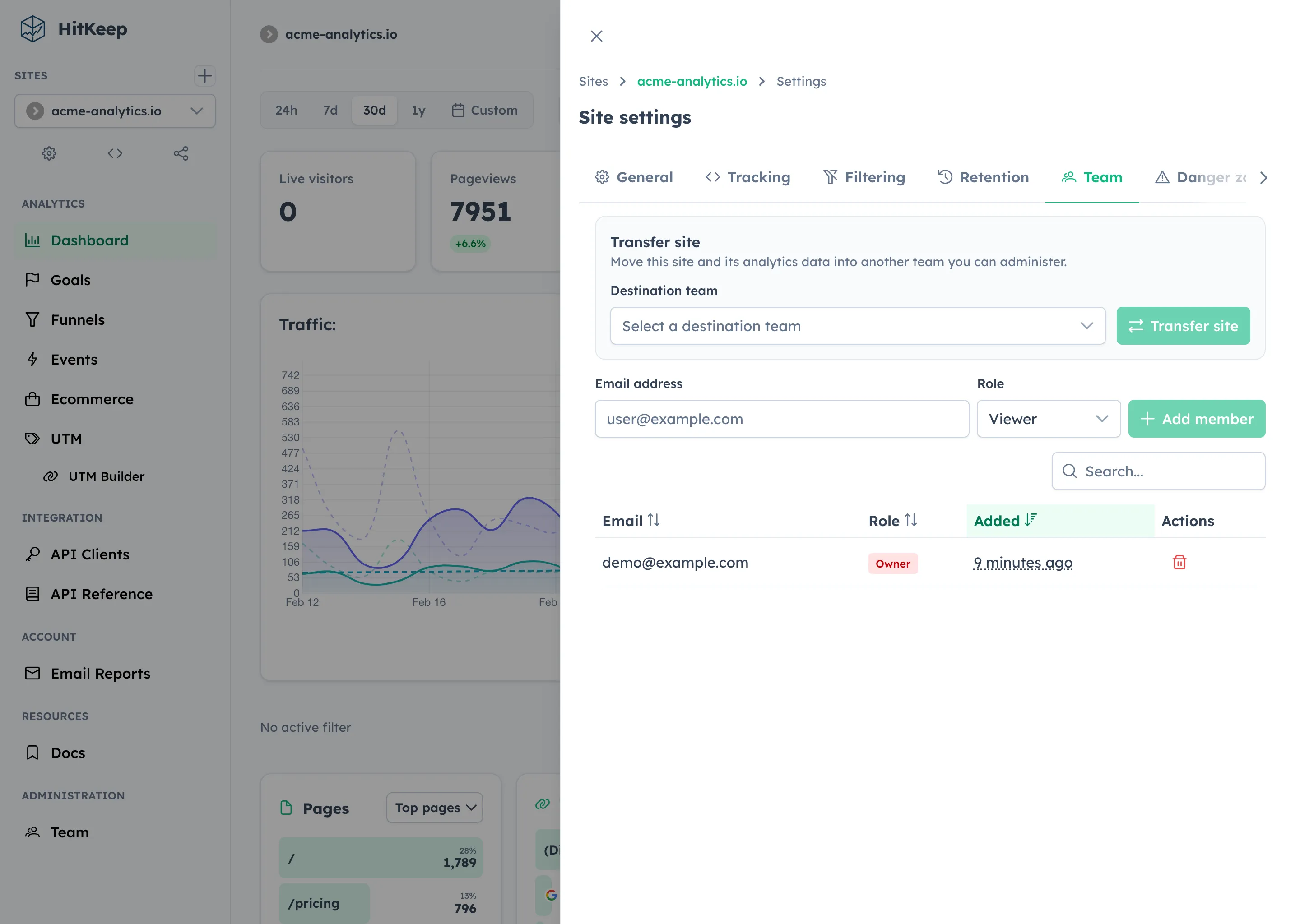
Section titled “Transfer a Site Between Teams”Teams are most useful when you can reorganize existing sites after the fact. HitKeep lets site owners or team managers move a site into another team they administer:
This operation:
- updates the shared
site_tenantsmapping in the control plane - copies hits, events, goals, funnels, and rollups into the destination tenant database
- removes stale analytics rows from the previous tenant database
- appends audit entries in both the source and destination teams
The site_id remains stable, so integrations and existing share links do not need to change.
Data Plane Isolation by Pathway
Section titled “Data Plane Isolation by Pathway”Every pathway that reads or writes analytics data resolves the tenant’s data plane database first. No analytics query ever touches the control plane, and no control plane query ever touches analytics data.
| Pathway | Plane | What happens |
|---|---|---|
| Ingestion (hits & events via NSQ) | Data | Consumer resolves site_id → tenant_id → tenant DB, then writes |
| API reads (stats, hits, events, timeseries) | Data | Handler resolves tenant DB before running analytics queries |
| Workers (retention, rollups, reports) | Data | Each site’s tenant DB is resolved before pruning, aggregating, or exporting |
| Exports (CSV, Parquet, XLSX, JSON, NDJSON) | Data | COPY queries execute against the tenant-scoped database |
| Site CRUD (create, list, delete, settings) | Control | Operates on the shared hitkeep.db |
| Goals & Funnels (create, update, delete, timeseries) | Data | Canonical rows live in the tenant DB; shared legacy copies remain only for bridge-release rollback safety |
| Share links (create, revoke) | Control | Link metadata in shared DB; shared dashboard reads go to data plane |
Bridge Release Compatibility
Section titled “Bridge Release Compatibility”This release keeps legacy shared goals and funnels tables only as a rollback bridge.
- Reads prefer the tenant-local data plane.
- If a non-default team site has legacy shared goals or funnels but none in its tenant DB yet, HitKeep backfills them automatically on first access.
- Writes and deletes are mirrored into the shared legacy tables for one release so rollbacks remain possible.
Backup Considerations
Section titled “Backup Considerations”The control plane and each team’s data plane are independent DuckDB files. Back up the entire data directory to capture everything:
# Back up control plane + all data planescp -r /var/lib/hitkeep/data/ /backup/hitkeep-$(date +%Y%m%d)/Or back up a specific team’s data plane separately:
# Back up one team's analytics datacp /var/lib/hitkeep/data/tenants/{team_id}/hitkeep.db /backup/team-{team_id}.dbThe control plane (hitkeep.db at the root) must always be included in backups — it contains user accounts, site definitions, and tenant membership required to make the data plane files meaningful.
Related
Section titled “Related”HitKeep Cloud provisions managed tenants in your chosen region (EU Frankfurt or US Virginia) with encrypted backups and region-aware hosting. Start with HitKeep Cloud →