
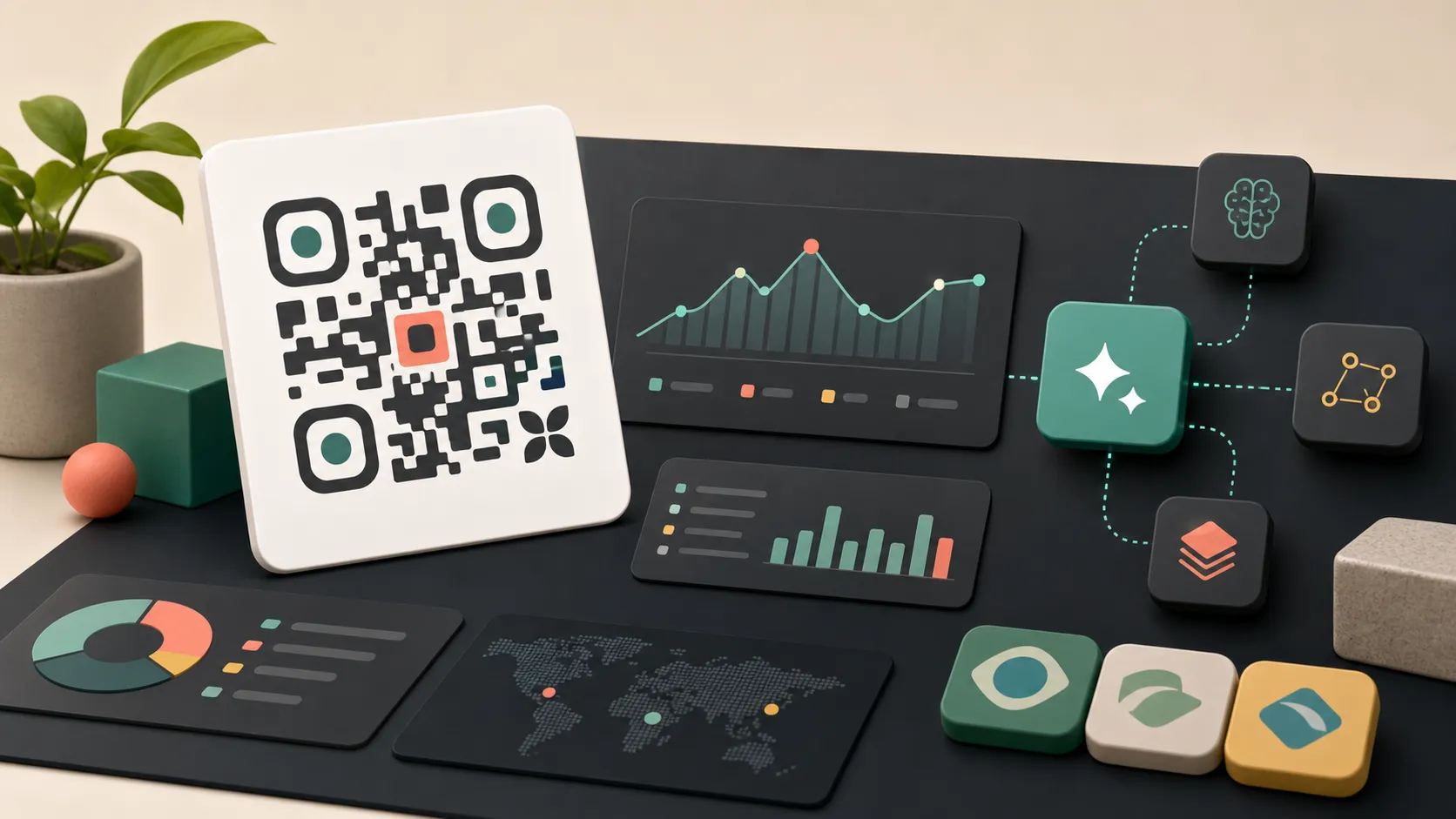
HitKeep 2.8.0 adds dynamic QR campaigns for offline attribution, Portuguese dashboard localization, and clearer AI assistant enablement through the optional MCP server, the official MCP Registry entry, HitKeep Agent Skills, and public contributor guidance.
What Shipped
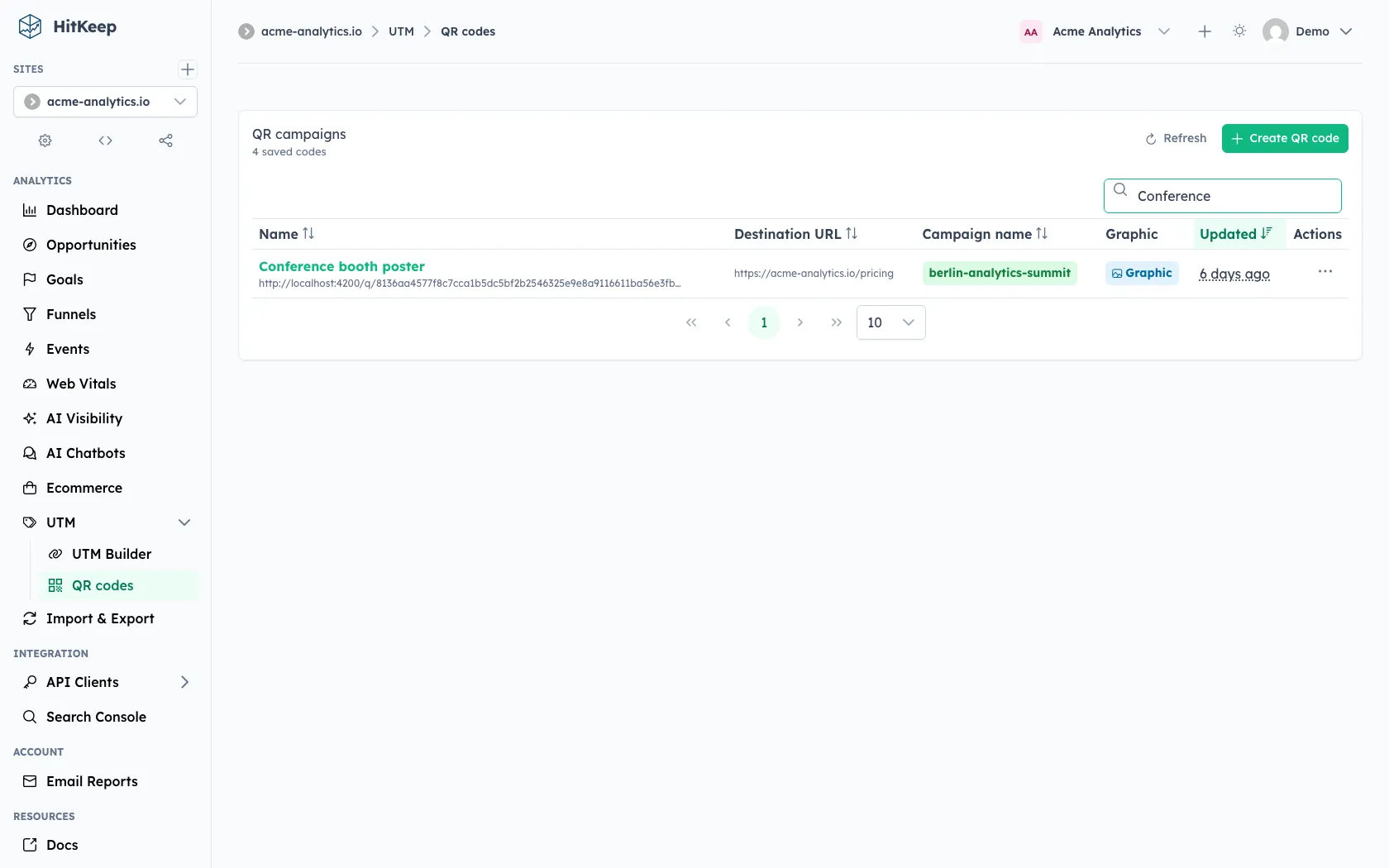
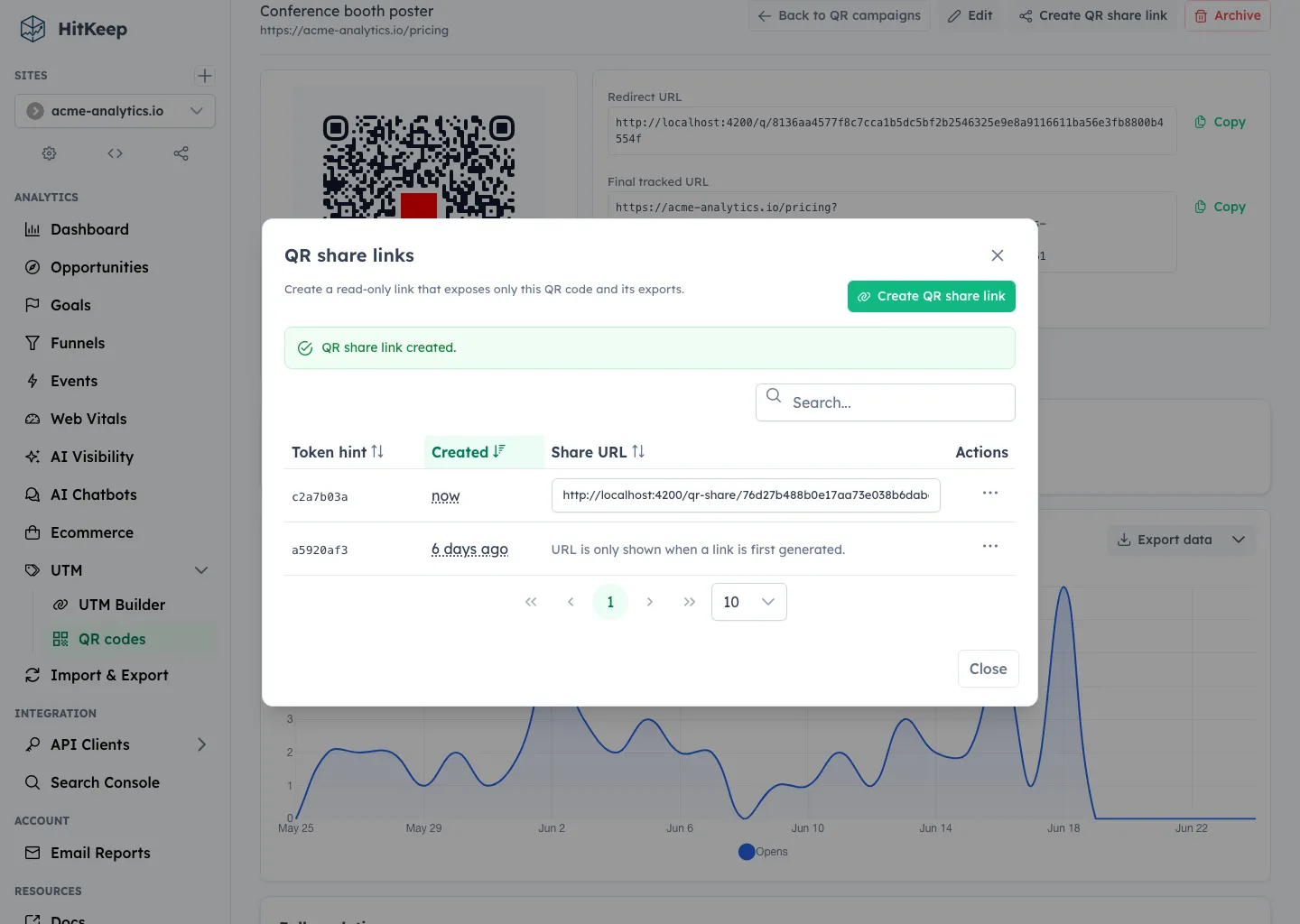
- QR campaigns: create dynamic QR codes under UTM -> QR codes, attach UTM and custom query parameters, export print artwork, share QR-only analytics, and export QR-scoped data.
- Portuguese dashboard localization: the dashboard language set now includes English, German, Spanish, French, Italian, Dutch, and Portuguese.
- Agent-ready analytics: the optional MCP server remains read-only and aggregate-only, with official Agent Skills that teach assistants how to use HitKeep analytics safely.
- MCP Registry metadata: the HitKeep MCP server is listed as
io.github.PascaleBeier/hitkeep, so compatible clients and directory tooling can identify the official endpoint shape. - Public AI contributor guidance:
AGENTS.md,CLAUDE.md, the pull request template, and the publichitkeep-i18nskill now explain the safe paths for AI-assisted contributions. - GoAI validation coverage: the AI output storage boundary has focused regression coverage for structured output, raw provider payload rejection, and cited evidence validation.
QR Campaigns
QR campaigns are for offline links that still need campaign attribution. A saved QR campaign gets a dynamic HitKeep redirect URL under /q/{token}. That redirect records a QR open when allowed, then sends the visitor to the configured destination URL with UTM fields, custom parameters, and the reserved hk_qr attribution parameter.
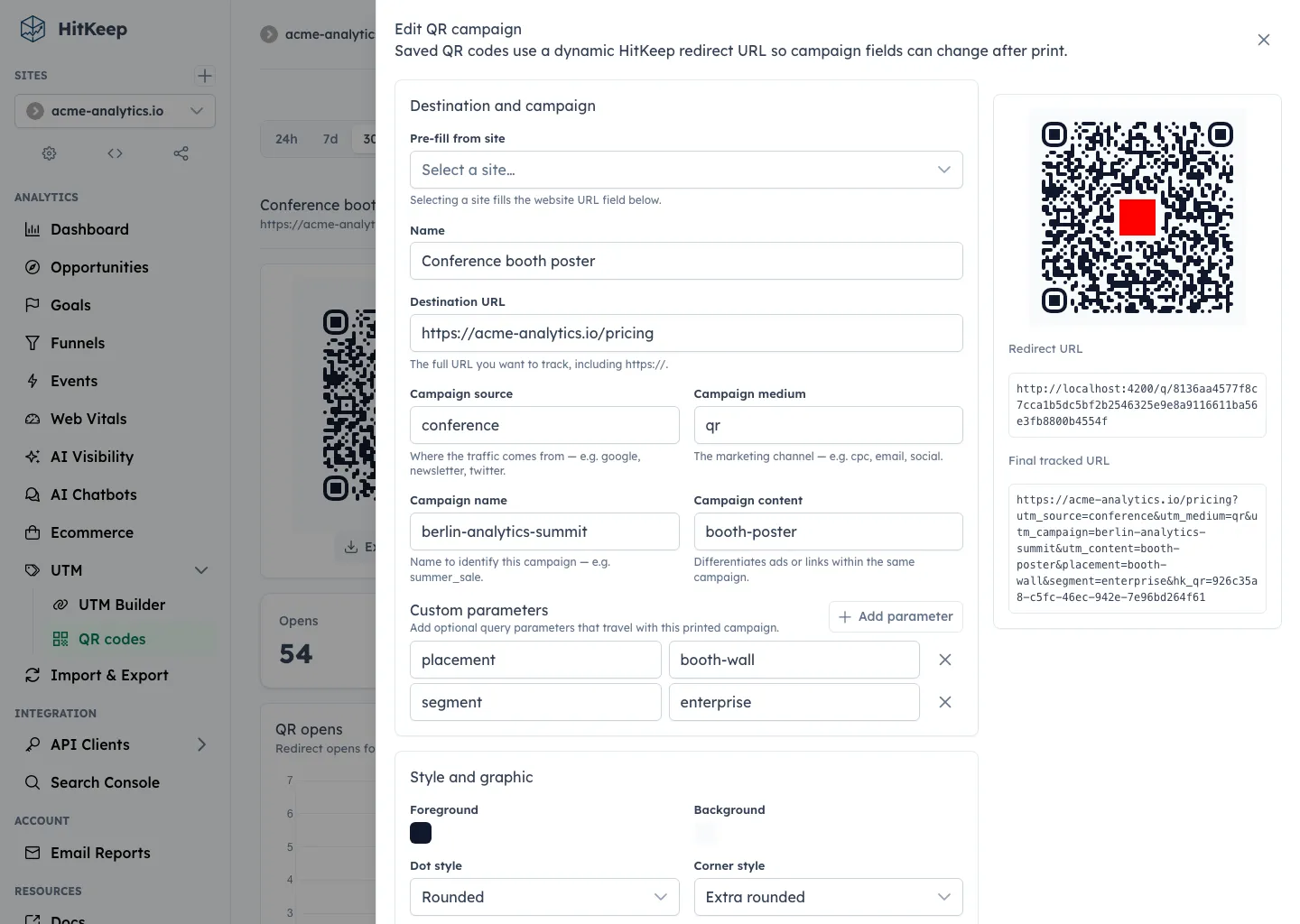
The dashboard separates redirect opens from tracked pageviews. Opens answer “how often was the QR token used?” Pageviews and visitors answer “how much tracked traffic arrived after the redirect?” That distinction matters because a scan can fail to become a tracked pageview when the destination page has no tracker, the visitor leaves early, the tracker is blocked, or privacy and traffic filters suppress the request.
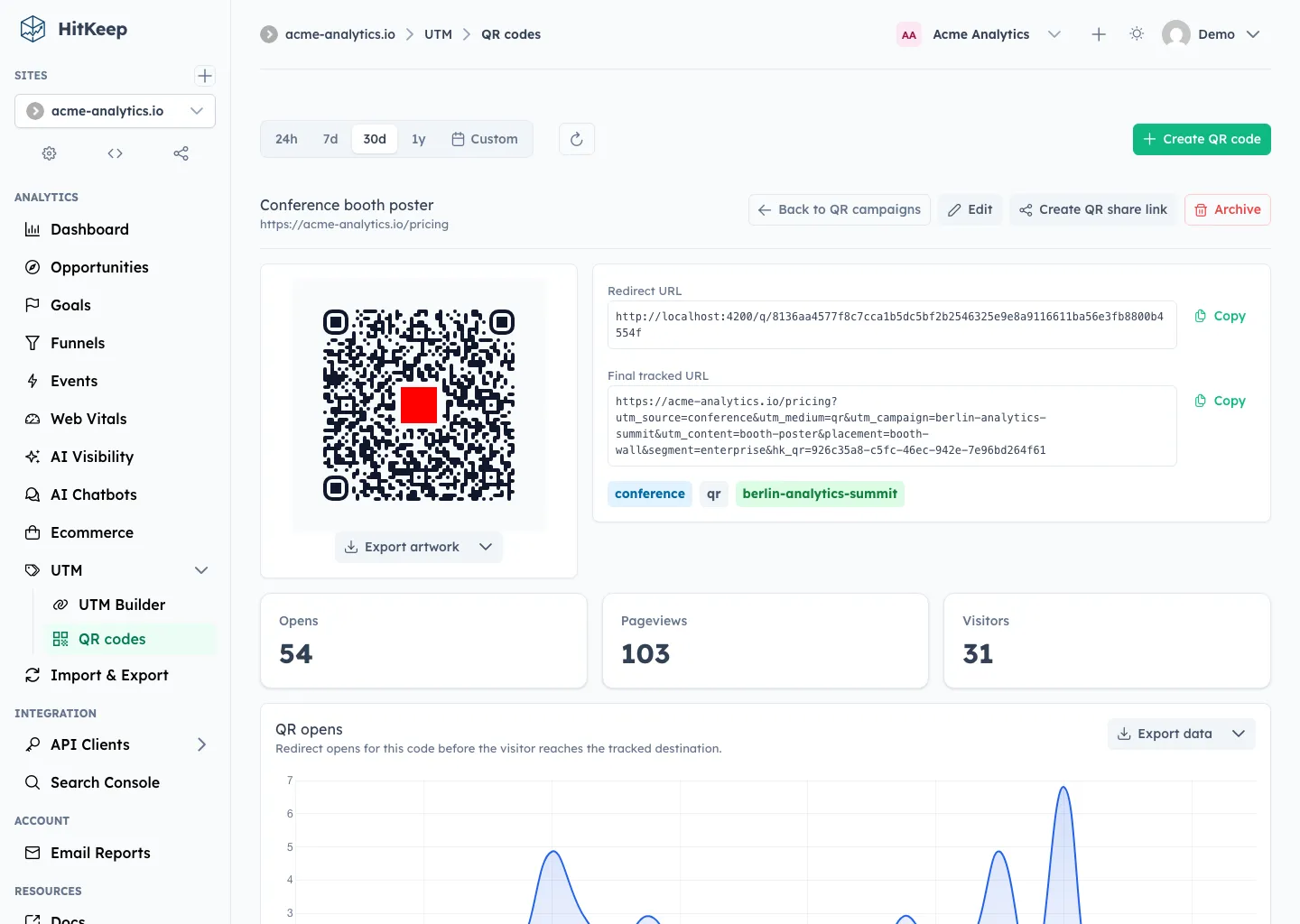
Each saved QR campaign can be exported as SVG or PNG artwork. PNG exports are available at 1024, 2048, and 4096 px. Optional center images can be PNG, JPEG, or WebP up to 2 MiB.
Portuguese Localization
Portuguese joins the built-in dashboard languages. Users can select it from the same profile language setting as the other supported languages, and the selected locale follows the user across sessions and devices.
The supported dashboard languages are now:
- English
- German
- Spanish
- French
- Italian
- Dutch
- Portuguese
AI Enablement
The AI-facing work in this release is about governed access, better assistant instructions, and safer contribution paths, not a new write-capable automation layer.
HitKeep MCP stays optional, leader-only, and disabled by default. When enabled, it accepts scoped API client bearer tokens and exposes read-only aggregate analytics, docs lookup, and help resources. It does not accept dashboard cookies and does not expose raw hit exports, billing, site administration, goal mutation, funnel mutation, or write workflows.
The official HitKeep Agent Skills complement MCP. They teach compatible assistants how to ask useful analytics questions, which HitKeep MCP tools to call, and where the privacy boundary is. That makes assistant answers easier to audit because the skill layer is public while the analytics token remains private and revocable.
For contributors, the new public agent guidance documents the MCP read-only boundary, skill maintenance rules, dashboard localization workflow, and GoAI structured-output expectations. GoAI-backed Opportunity output must stay key-based and deterministic: saved model output should contain localization keys, interpolation params, cited evidence IDs, detector metadata, status, and safe audit metadata rather than raw prompts, raw provider responses, external error bodies, provider headers, or secrets.
The release also adds direct storage-boundary regression coverage for AI run output. That test keeps the public rule honest: stored AI output must be a JSON object, must reject raw provider payload shapes, and must cite evidence that was actually supplied to the run.
What Is Not Changing
HitKeep still keeps the same operating model:
- one Go binary
- embedded DuckDB data stores
- embedded NSQ queueing
- no required PostgreSQL, Redis, Kafka, ClickHouse, or hosted analytics dependency
- cookie-free browser tracking by default
- open export paths
- self-hosted and managed cloud built from the same product foundation
QR campaigns do not turn HitKeep into an ad platform. MCP and Agent Skills do not give assistants write access to analytics or admin actions.
Upgrade Guidance
Upgrade to 2.8.0 if you want QR campaign creation and analytics, Portuguese dashboard localization, or the new public AI contributor guidance and skill pack updates.
After upgrading, check QR campaign creation, scan redirects, destination tracking, QR-only share links, Portuguese dashboard copy, and MCP client setup with a scoped API client token.