
If you use Simple Analytics Free, its badge requirement gives you a practical decision: add the badge, pay for a plan, or evaluate another analytics tool. Each can be reasonable. The right choice depends on your current workflow, what belongs in your website footer, and how much history you need.
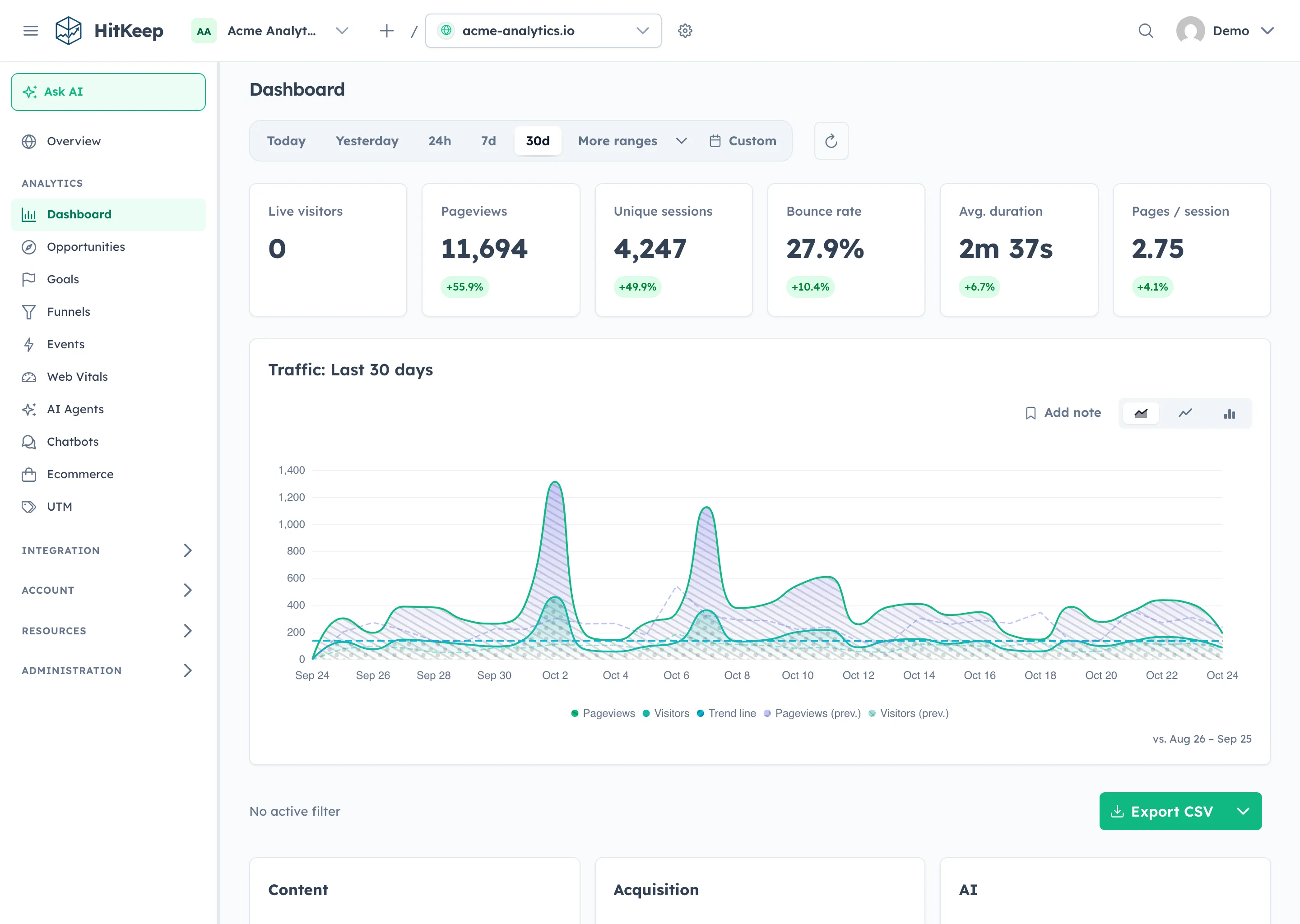
HitKeep Free Cloud does not currently require a website badge. It includes three sites, three members, and 60 days of history. Data older than that window is removed, so Free is useful for an evaluation but is not a long-term archive. Compare current HitKeep plans.
What the badge policy says
Simple Analytics requires a visible, linked badge on websites using its Free plan, placed in a footer shown on every page. Paid plans do not require the badge.
If a check cannot find it, Simple Analytics sends an email and dashboard notice with 14 days to add it. Continued absence locks dashboard data, API access, and exports for that website, including public dashboards and embedded charts. Collection continues. Adding the badge and passing the dashboard recheck restores access. See the official badge policy.
Check the notice in your own account for the deadline that applies to your site. If you are considering a move, confirm export access before waiting for a lockout.
Add the badge when Free still fits
For a personal website or small project, a footer credit may be a fair exchange for a tool you already like. Staying also avoids replacing a script and learning another dashboard.
Use the official badge builder, then check your page templates on desktop and mobile. Make sure the badge remains visible and linked. Allow time for whoever owns the website template to make the change.
Adding a badge does not extend retention. Simple Analytics currently lists one user, five websites, and one month of history on Free; its pricing FAQ says data older than 30 days is deleted. Check whether that history supports your reporting cycle on the current pricing page.
Pay when continuity is worth the subscription
A paid Simple Analytics plan may be the easiest choice if your team likes its reports and the badge is the only issue. You keep the familiar workflow and avoid migration work.
Check the current quote for your traffic, users, billing period, and required features. Switching costs time even when the destination has a free tier. A subscription can be good value when it saves recurring work.
Test HitKeep when you want a different setup
HitKeep offers managed Cloud in EU Frankfurt or US Virginia and a self-hosted edition. Start with the Simple Analytics comparison, which also explains reasons to stay with Simple Analytics, including its established hosted experience and ad-blocker bypass.
For Cloud, Free currently keeps 60 days, Pro 365 days, and Business 1,095 days. Choose a retention window before planning historical imports. Self-hosting gives you operational control and responsibility for your infrastructure and backups.
Try one site in parallel. Compare matching dates and pages, investigate differences, and verify the goals or events your team needs. Two measurement systems need not return identical totals. HitKeep sets no analytics cookies by default, but uses sessionStorage for session continuity; cookieless does not mean storage-free.
Check exports before moving history
Confirm what your Simple Analytics account can export. Its export documentation ties generated API export URLs to a qualifying plan. Do not assume Free has raw export access or that adding the badge changes your entitlement. If raw history is unavailable, you can evaluate new tracking without claiming to have migrated the past.
When a compatible raw datapoints CSV is available, follow the HitKeep import guide. Select the destination site, validate the file, and review dates, accepted rows, skipped rows, and warnings before importing. Keep the original file separately.
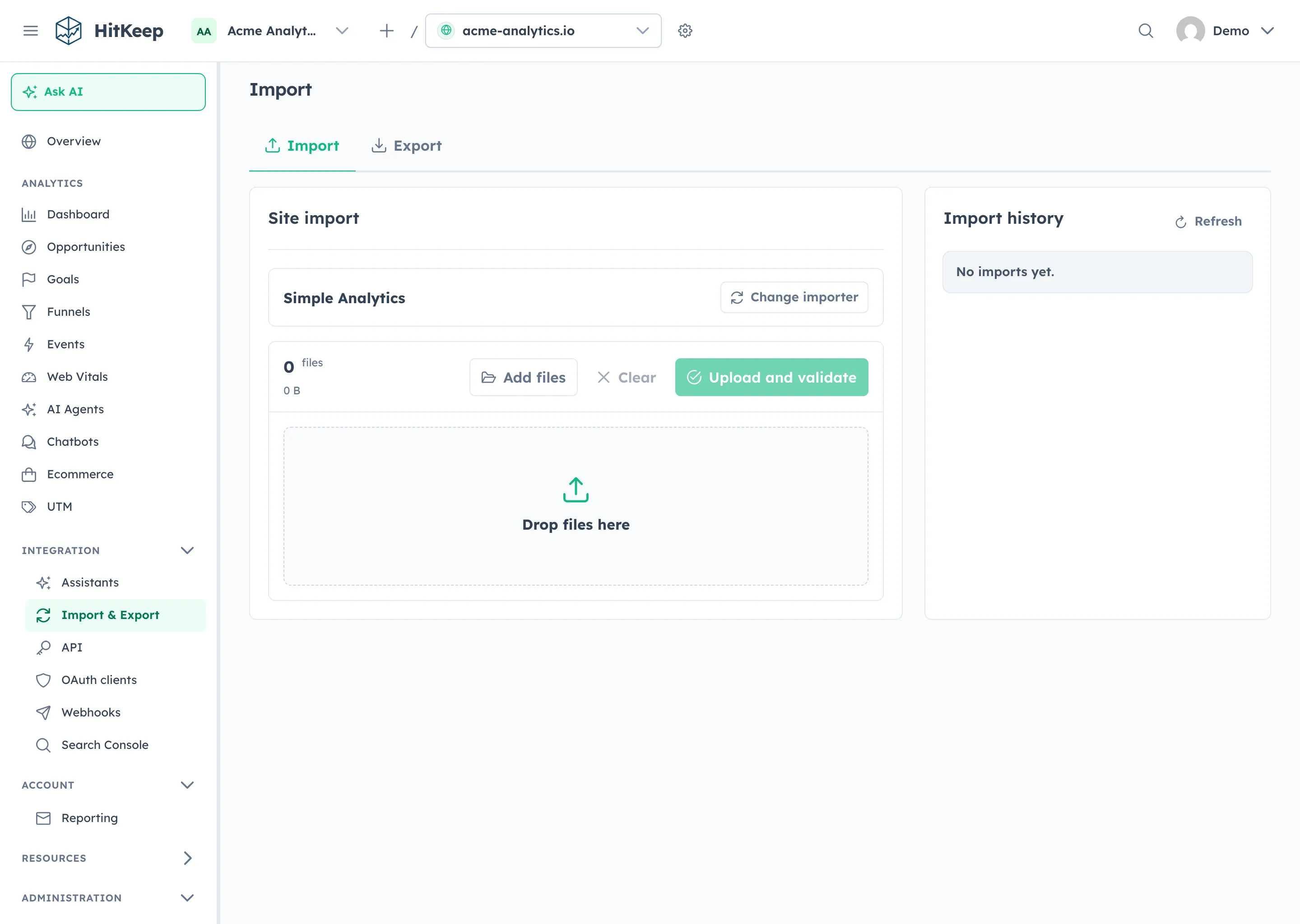
Imported pageviews populate compatible aggregate reports. Goals, funnels, account settings, and integrations are not automatically recreated. Bounce counts and native event relationships are not invented; browser and language breakdowns depend on the fields present. Verify the reports you need before removing the old tracker or cancelling anything.
If a badge is acceptable and Free meets your needs, staying is sensible. If continuity matters most, consider paying. If your requirements have changed, use the comparison and import guide to test HitKeep on one site first.