
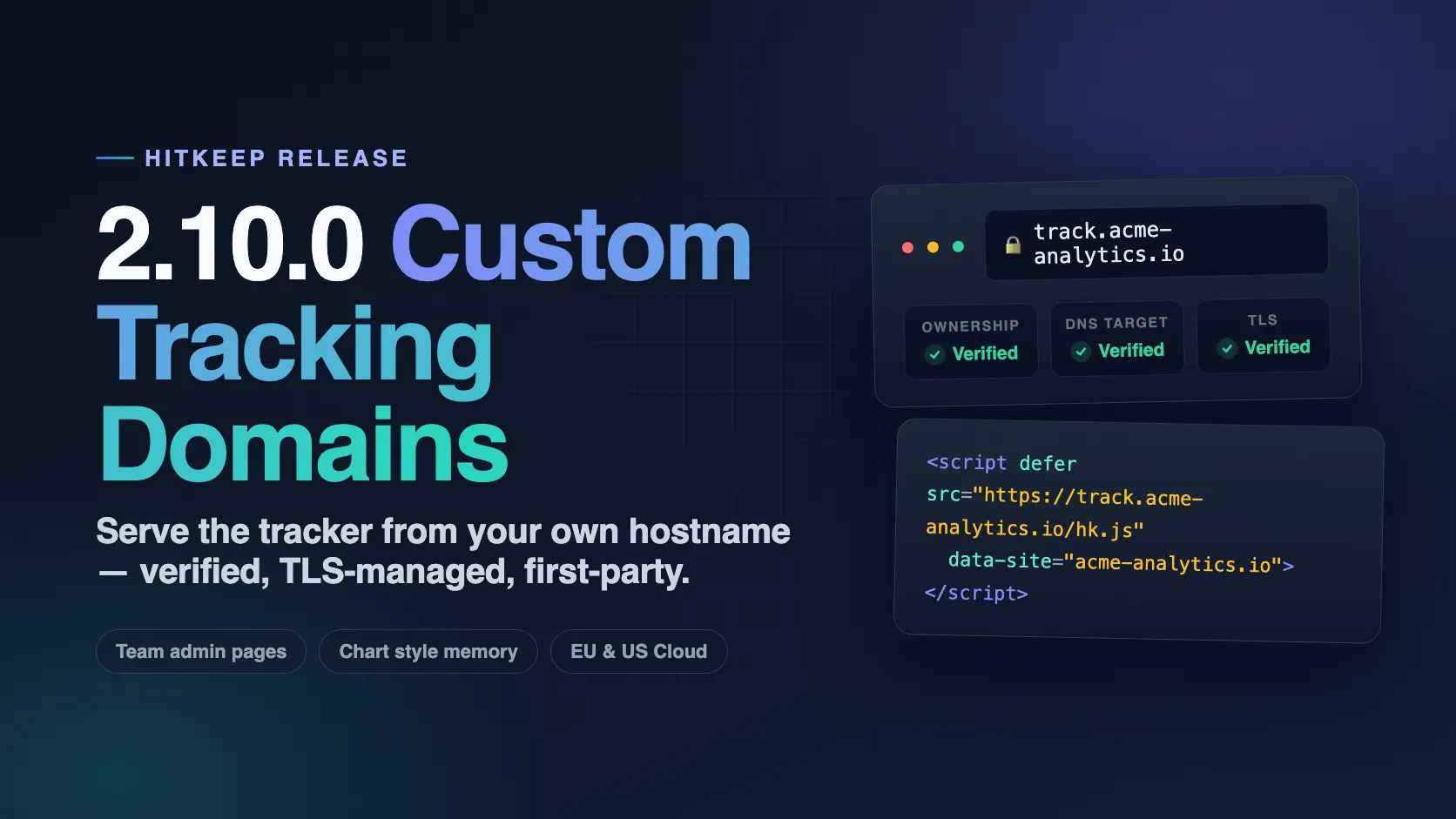
HitKeep 2.10.0 lets teams serve the tracker and ingest endpoints from their own verified hostnames, turns the team administration area into real addressable pages, remembers your chart style and report preferences, and tightens the cloud plan surface.
What Shipped
- Custom tracking domains: team admins verify their own tracker hostnames with a DNS TXT record; active domains serve
hk.js,hk-vitals.js, and browser ingest for every site in the team. - Managed TLS for tracking domains: HitKeep Cloud issues on-demand certificates after DNS verification; self-hosted setups get documented Caddy, nginx, and Traefik examples.
- Team admin pages: overview, members, API clients, custom domains, branding, activity, and danger zone are now routed subpages with their own URLs and browser titles.
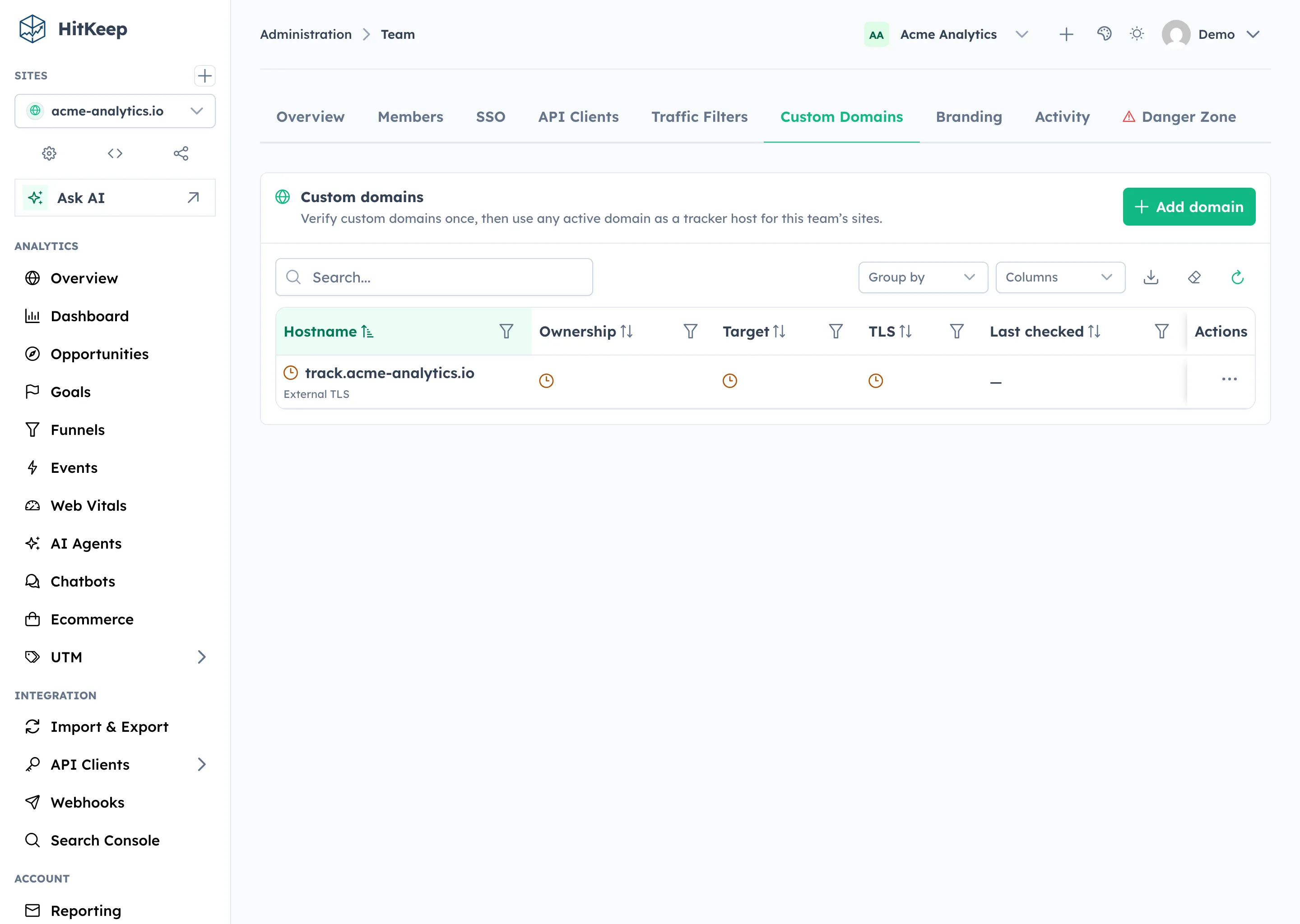
- Tables with dialogs: custom domains and API clients use the same table-plus-dialog management pattern, with validity shown as per-check icons.
- Chart style toggle: switch charts between area, line, and bars with an icon control; the choice applies to every chart and is remembered, alongside the report range and overview sort order.
- Cloud plan polish: a clearer plan comparison with locale-aware prices, usage-aware free plan notices, and a focused upgrade path from banner, sidebar, and lifecycle emails.
- Fixes: search field icons align with the theme again, the multi-site overview gets proper hover feedback, and the free plan notice no longer competes with itself.
Custom Tracking Domains
Serving analytics from a third-party hostname is a common reason measurement quietly degrades. HitKeep 2.10.0 lets a team register its own tracker hostnames, prove ownership with a DNS TXT record, and then serve the tracker scripts and ingest endpoints from that first-party domain.
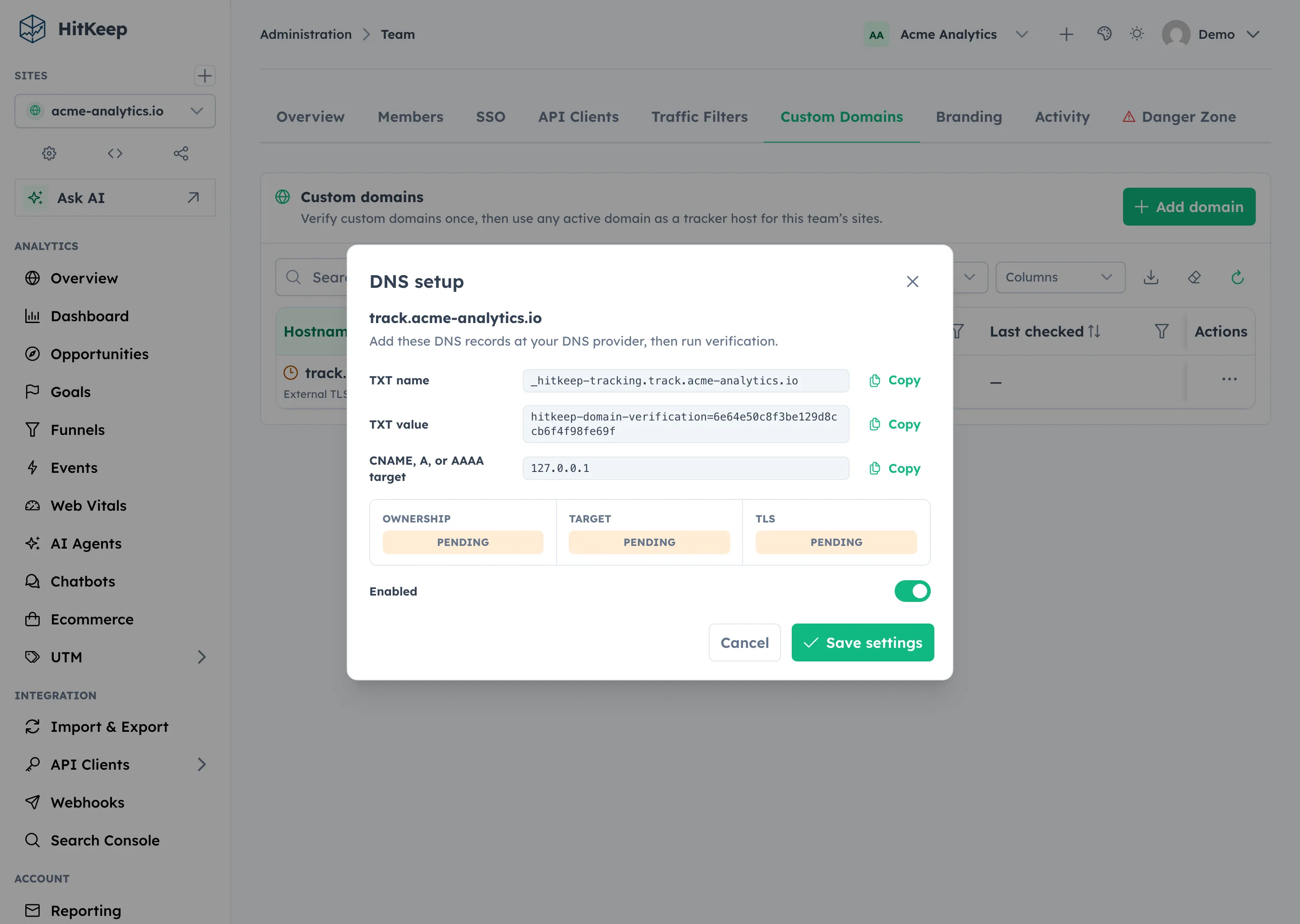
Adding a domain opens a DNS setup dialog with the exact records to copy: the _hitkeep-tracking TXT record for ownership and the CNAME, A, or AAAA target for routing. Verification checks all three concerns separately, so a half-finished DNS change is visible as exactly that.
Once a domain is active, site tracking snippets can be generated against it, and browser ingest accepts traffic through it for every site in the owning team. Cross-team use is rejected at the API: a domain verified by one team never ingests for another team’s sites.
On HitKeep Cloud, TLS is part of the feature: after DNS verification, certificates are issued on demand for the custom hostname. Custom tracking domains are available on the Pro plan and higher in the cloud; self-hosted deployments get the feature without restriction, with Caddy, nginx, and Traefik examples in the repository.
# Self-hosted configurationHITKEEP_CUSTOM_TRACKING_DNS_TARGET=analytics.example.com # host or IP your domains must point atHITKEEP_CUSTOM_TRACKING_TLS_MODE=external # or caddy-on-demandHITKEEP_CADDY_TLS_ASK_TOKEN=... # protects the Caddy on-demand TLS ask endpointTeam Administration Gets Real Pages
The team area used to be one page with query-parameter tabs. In 2.10.0 every section is a routed subpage: /admin/team/members, /admin/team/custom-domains, /admin/team/branding, and so on. Deep links work, browser titles are descriptive, and the activity page enforces its audit permission on the route itself.
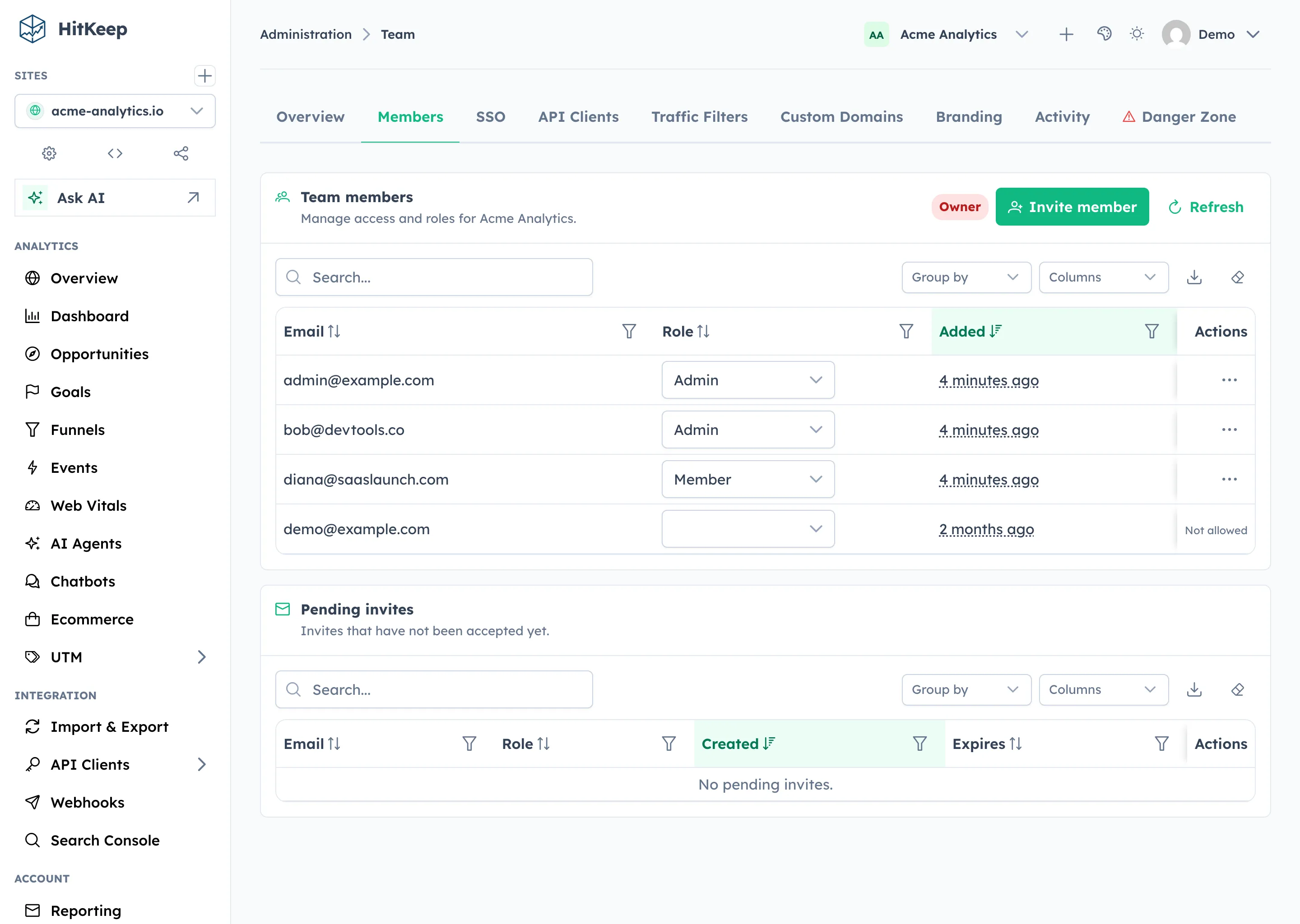
The pages also share one design language now. API clients and custom domains use the same table-plus-dialog pattern, status is a color-coded icon rather than prose, and the danger zone matches its site-level counterpart card for card.
Chart Style And Remembered Preferences
Analytics charts get a three-way style toggle — area, line, bars — rendered as an icon control above the plot instead of a dropdown over it. The selection applies to every chart in the dashboard at once and is remembered per browser.
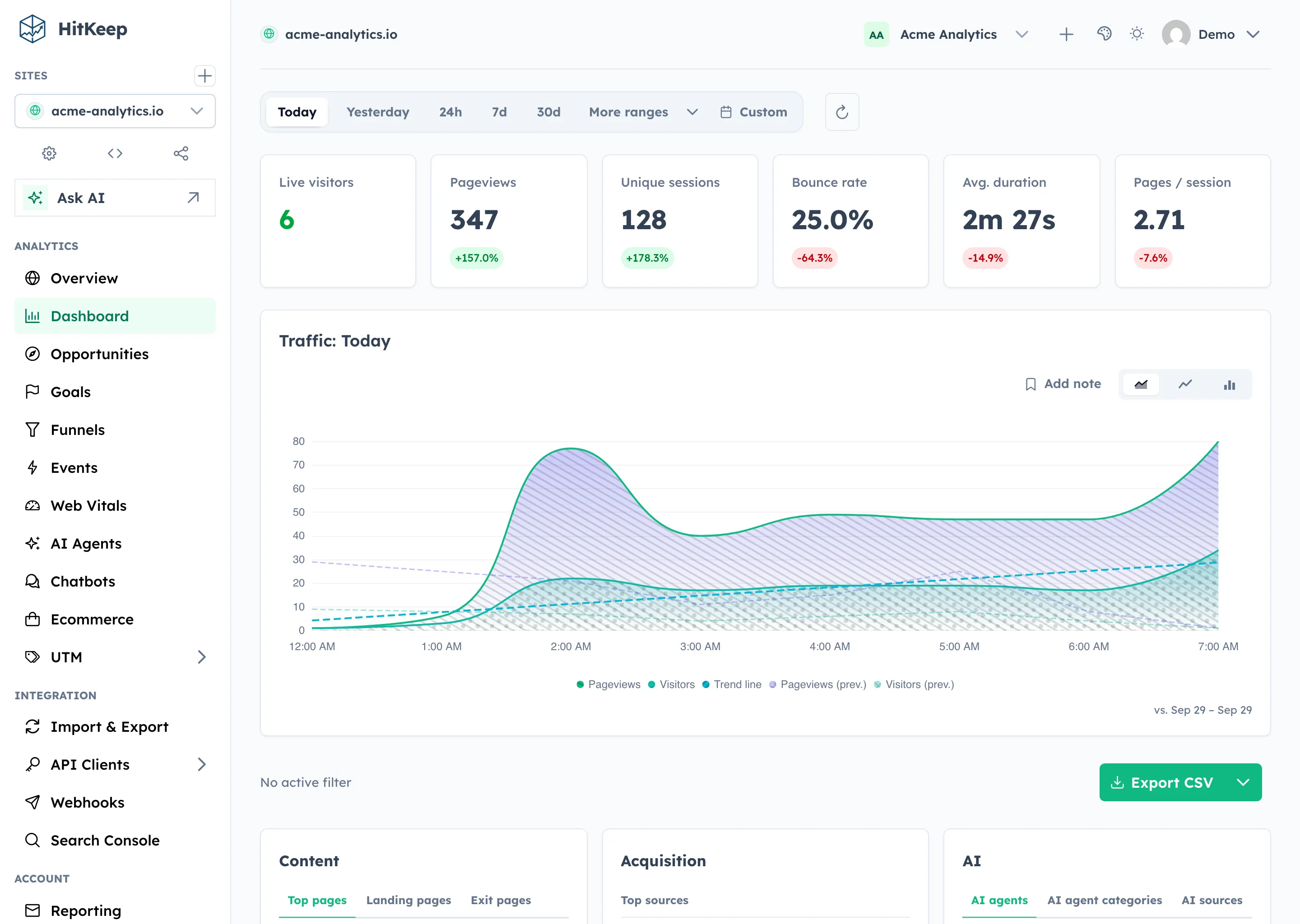
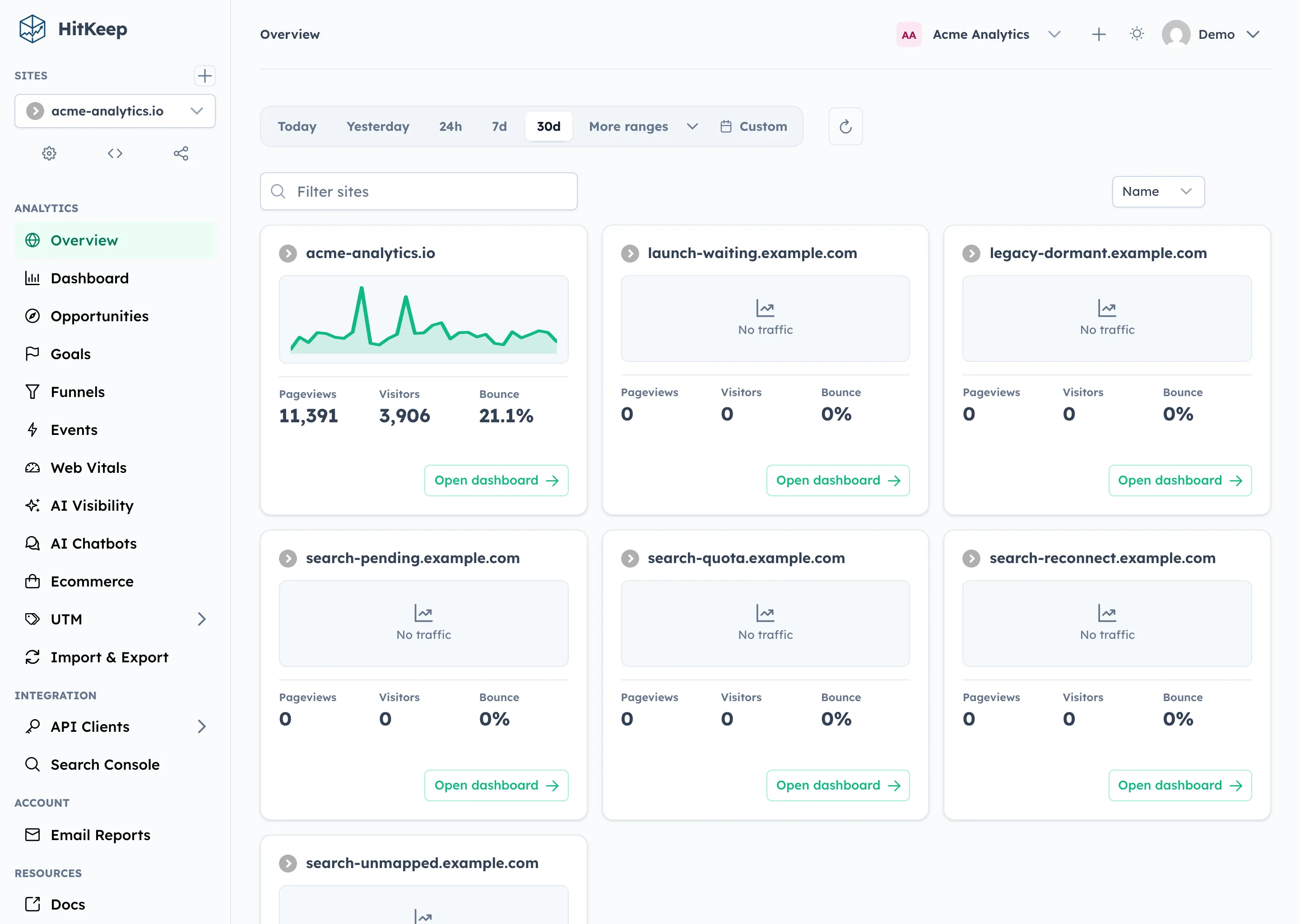
The same preference layer now covers the report range and the multi-site overview sort order, so the dashboard reopens the way you left it. The overview cards also picked up proper hover feedback: the card lifts, the sparkline deepens, and keyboard focus receives the same treatment.
Cloud Plans And Upgrade Flow
For HitKeep Cloud, the plan comparison inside the team overview was rebuilt: a section header, a highlighted recommended plan, a custom-domains feature line, and locale-aware prices — €15 in English locales renders as 15 € in German. The free plan notice became usage-aware: when a team fills 80% or more of its site or member allowance, the banner switches to the exhausted limit and resurfaces even if the time-based notice was dismissed. A matching lifecycle email reaches owners who are not in the dashboard.
Every upgrade surface — banner, sidebar chip, plan page, lifecycle emails — now leads to the same plan comparison instead of jumping straight into a checkout. The comparison page states plainly that HitKeep is fully open source, including every paid feature, with sponsoring and self-hosting as first-class alternatives.
None of this appears on self-hosted deployments: plan gating, notices, upsell emails, and the sidebar chip are managed-cloud surfaces only.
Bug Fixes And UI Polish
- search field icons across all tables align with the OptimusUI theme again
- the signup page states the essentials up front: no credit card, region-pinned data, export or self-host anytime
- the free plan retention notice consolidated three competing actions into one
- the seeded demo covers custom domains, so screenshots and e2e tests exercise the real flow
What Is Not Changing
HitKeep keeps the same operating model:
- one Go binary
- embedded DuckDB data stores
- embedded NSQ queueing
- no required PostgreSQL, Redis, Kafka, ClickHouse, or hosted analytics dependency
- cookie-free browser tracking by default
- open export paths
- self-hosted and managed cloud built from the same product foundation
Custom tracking domains do not change the tracking model. The tracker still sets no analytics cookies, respects Do Not Track, and serves the same hk.js — only the hostname it loads from becomes yours.
Upgrade Guidance
Upgrade to 2.10.0 if you want first-party tracking hostnames, the reworked team administration area, or remembered chart and report preferences.
After upgrading, check:
- the new
custom_tracking_domainstable is created by the automatic migration HITKEEP_CUSTOM_TRACKING_DNS_TARGETif your deployment serves custom tracking domainsHITKEEP_CUSTOM_TRACKING_TLS_MODEand the reverse-proxy examples if you terminate TLS yourself- deep links into
/admin/team/...used in internal runbooks or bookmarks (legacy tab URLs redirect) - the chart style toggle and remembered report range on your most-used dashboards